Accessing Mobile Network Settings
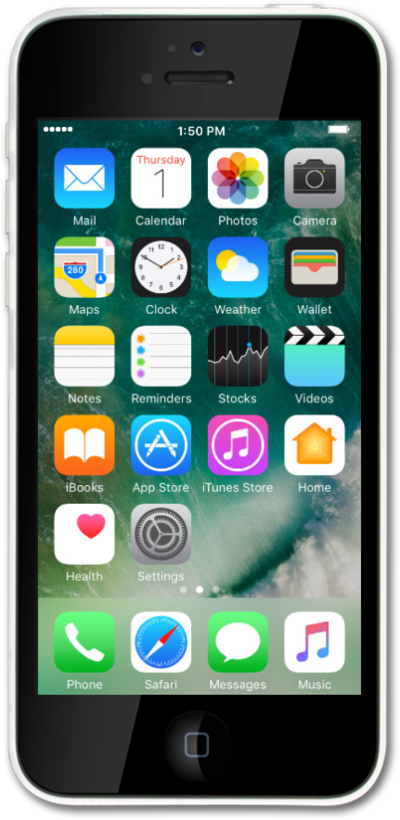
iPhone 5c
Accessing Mobile Network Settings
When traveling internationally, your device settings may require an update to conserve data and minimize unwanted fees. Learn how to change roaming settings on your device ahead of your next international trip, including how to enable and disable roaming. Also learn how to view the status of your Wi-Fi Pod's Internet connection.
1.
From the Home screen, tap Settings.
2.
Tap Cellular.
3.
Switch Cellular Data to your preferred setting.
4.
You've completed the steps!
