Turning on Mobile Hotspot
iPhone 5c
Turning on Mobile Hotspot
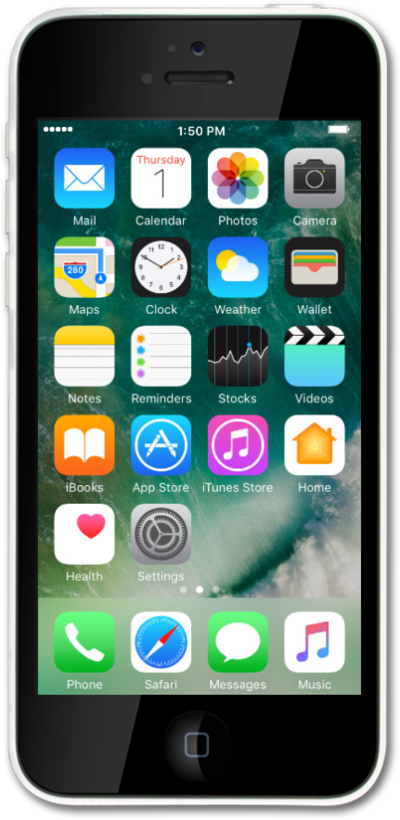
Enabling Personal Hotspot on your device allows you to share your cellular connection with other devices through Wi-Fi. Follow along with this tutorial to learn how to enable your Personal Hotspot.
1.
From the Home screen, tap Settings.
2.
Tap Cellular.
3.
Tap Personal Hotspot.
4.
Switch Personal Hotspot to the On position.
5.
You've completed the steps!
