
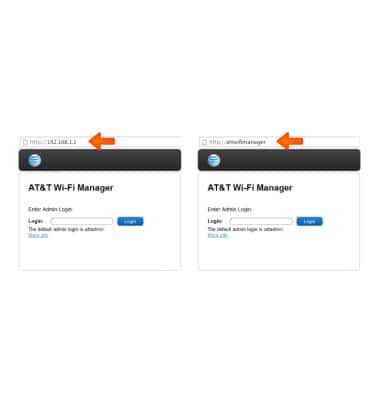
- From a device connected to the hotspot, open a web browser and navigate to http://attwifimanager or http://192.168.1.1.
- Enter the login, then tap or click Login.
Note: The default login is attadmin.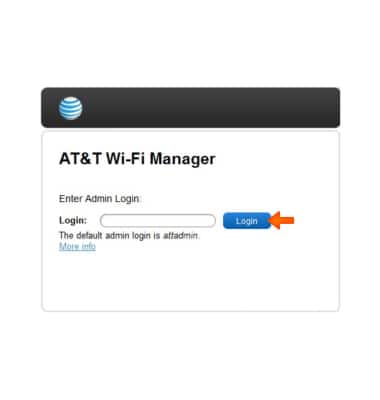
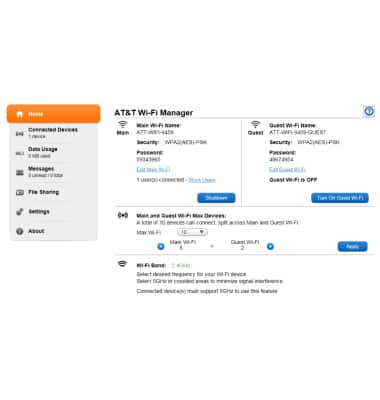
- The AT&T Wi-Fi Manager is now ready for use.
Access web manager
Apple iPhone 16e
Access web manager
Learn how to access Web manager.
INSTRUCTIONS & INFO