- Before setting up an Exchange email account, you will need your account's server settings. If you don't know this information, please contact your IT team or email provider for assistance.
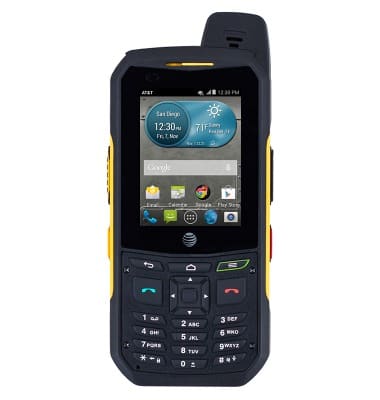
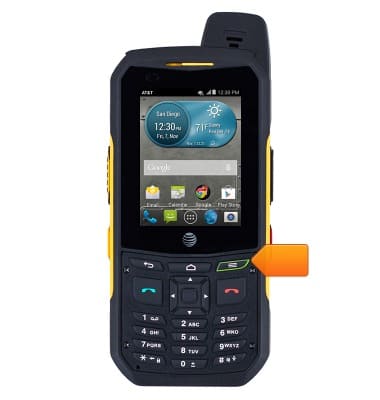
- From the home screen, press the Menu key.
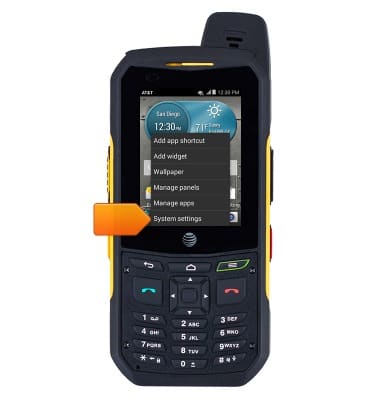
- Tap System settings.
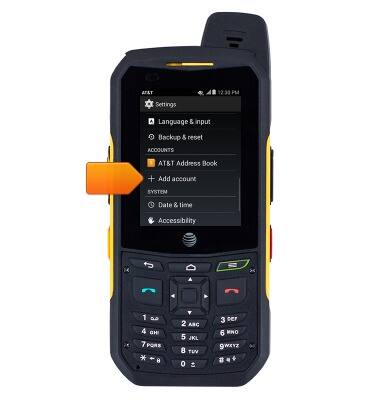
- Scroll to, then tap Add account.
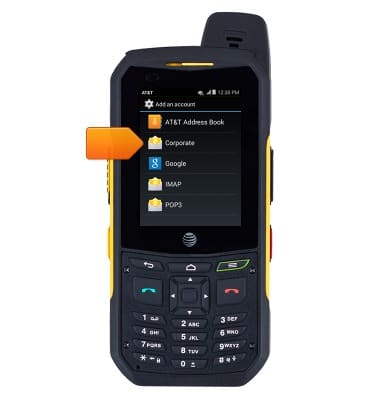
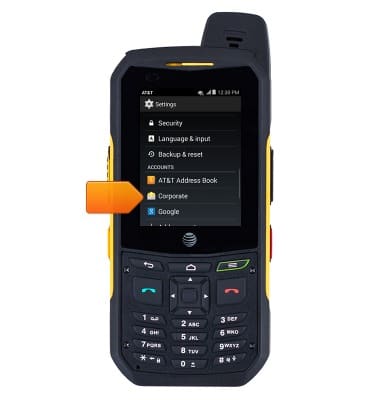
- Tap Corporate.
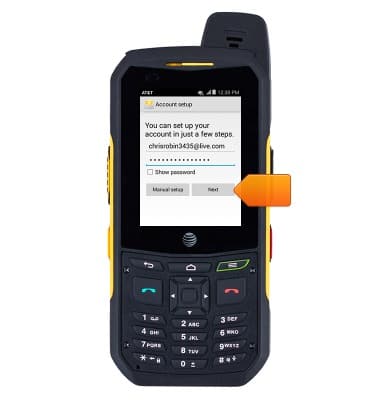
- Enter your email address, and password, and then tap Next.
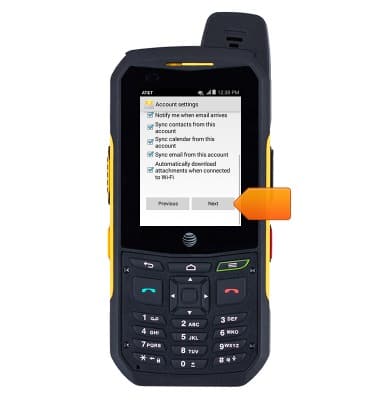
- Adjust the account options as desired, and then tap Next.
- If desired, update the account name. Tap Next.
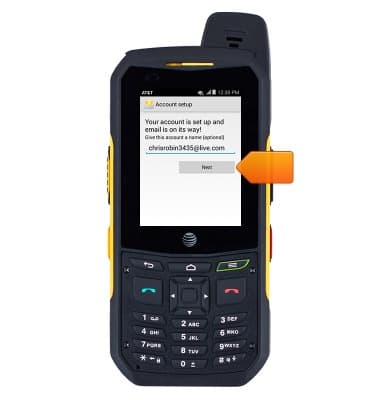
- The account is now configured for use.
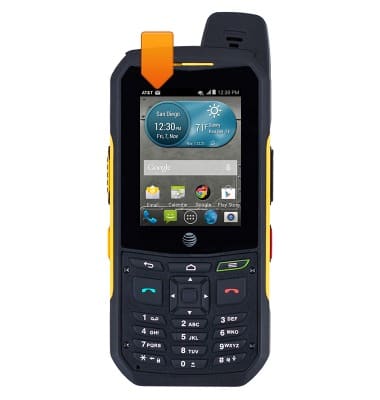
- When a new email is received, the New Email icon will be displayed in the notification bar.
Set up corporate email
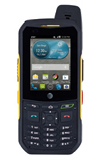
Sonim XP6 (XP6700)
Set up corporate email
Add an Exchange email account so you can read and send email on your device.
INSTRUCTIONS & INFO