- Spotlight Search not only searches your iPhone, but also shows suggestions from the App Store and the Internet. You may see suggestions for movie showtimes, nearby locations, and more.
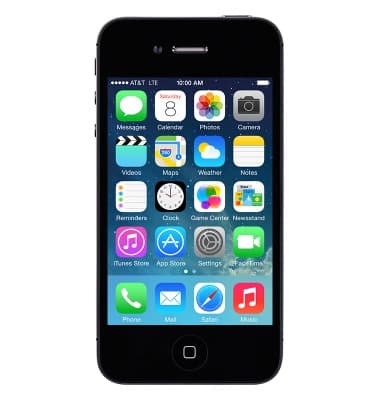
- Go to the Search screen by swiping down from the middle portion of the home screen.
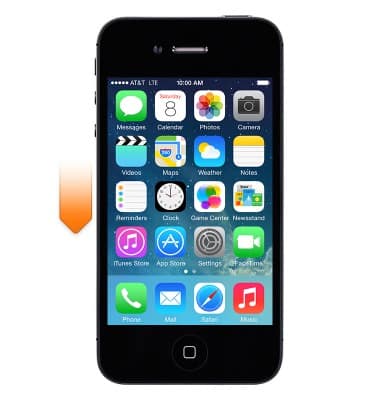
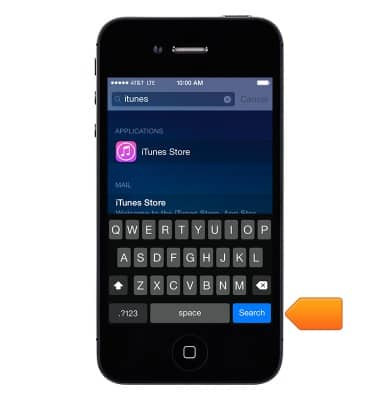
- Enter the desired search.
Note: Search results appear as you type.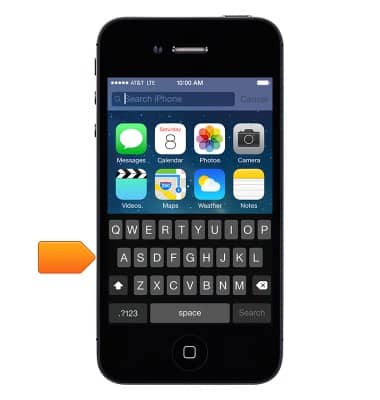
- Tap an item in the list to open it, or tap Search to dismiss the keyboard and see more results.
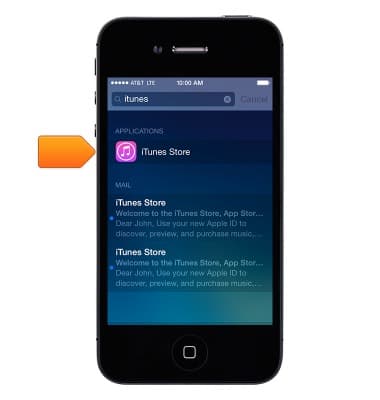
- Icons next to the search results show which app the results are from. Tap an item in the results list to open it.
Spotlight search
Apple iPhone 4
Spotlight search
Search for contacts, music, movies and apps stored on your device using.
INSTRUCTIONS & INFO