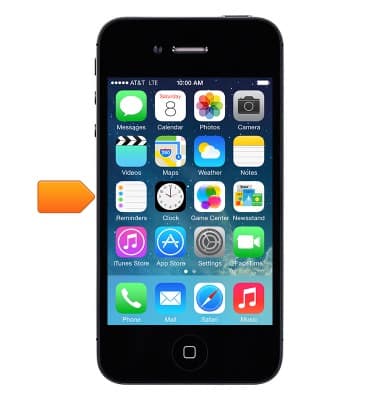
- Reminders lets you keep track of all the things you need to do. To use Reminders, tap Reminders on the Home screen.
- To create a new set of reminders, tap New List.
Note: You might need to choose an account.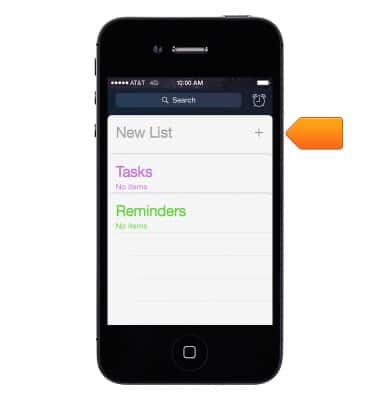
- Enter a name for your list.
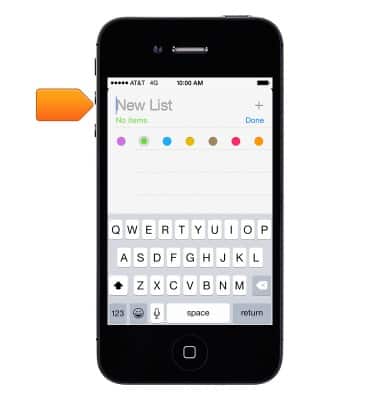
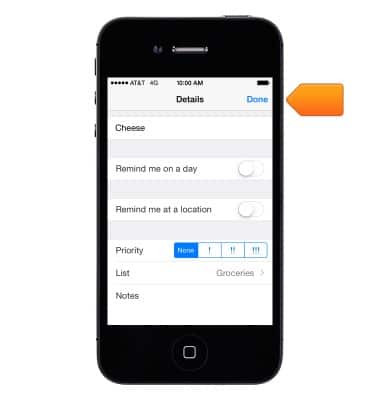
- Tap Done.
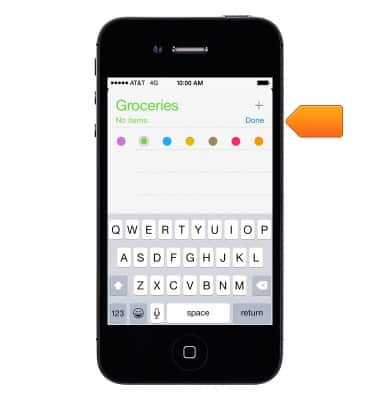
- To add items to a reminder, tap a blank line and enter the item.
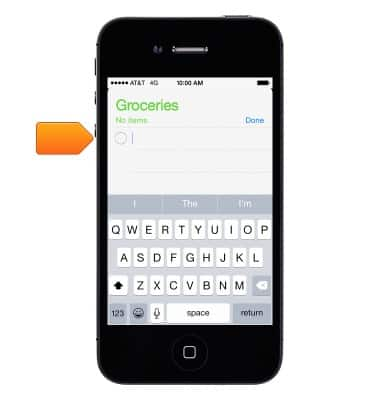
- Tap Return to add more.
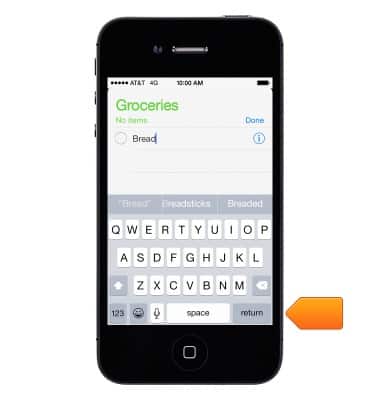
- Tap the Information icon next to an item to add more details.
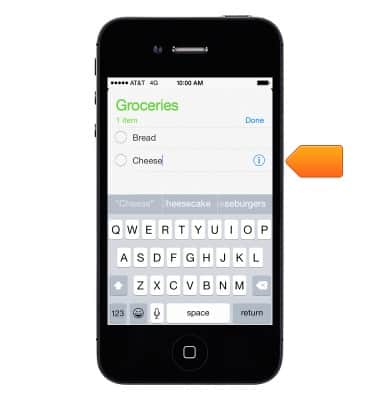
- Tap Done when you're finished.
- Be reminded when you arrive or leave a location. While editing a reminder, tap the Information icon.
Note: You can't save a location reminder in Outlook or Microsoft Exchange calendars.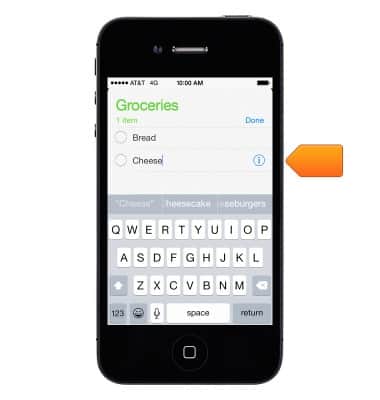
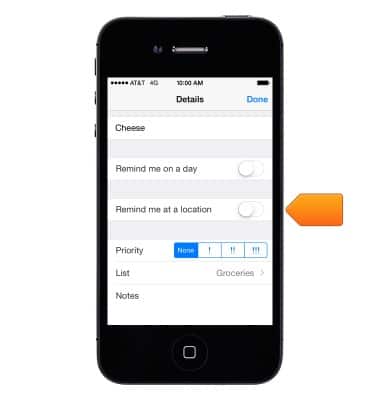
- Turn on "Remind me at a location".
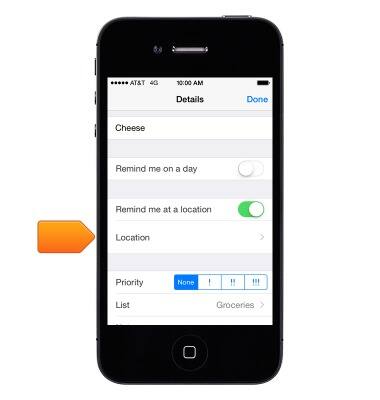
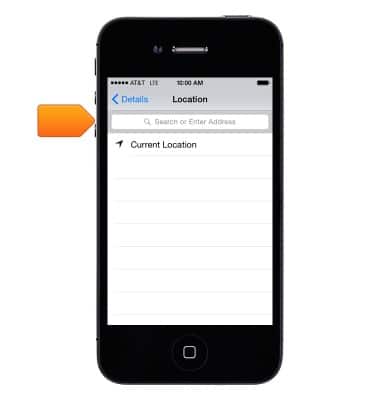
- Tap Location.
- Choose a location from the list, or enter an address.
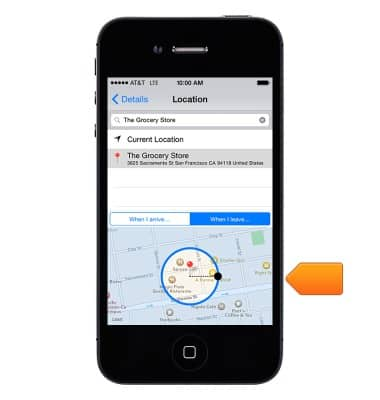
- After you define a location, you can drag to change the size of the geofence on the map, which sets the approximate distance at which you want to be reminded.
Reminders
Apple iPhone 4
Reminders
This tutorial walks through how to set up and use the Reminders feature.
INSTRUCTIONS & INFO