
- To use Voice Control, swipe to and tap BlackBerry Assistant or press and hold the Voice Control key.
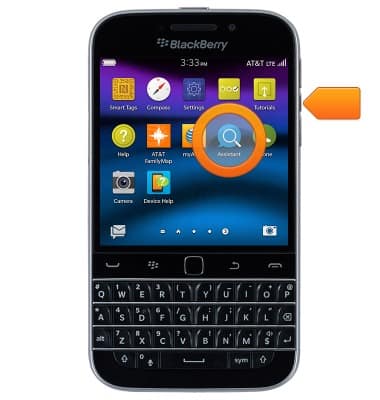
- Speak the desired command.

- To view Voice Control help and settings, tap the Back icon.

- Tap the Information icon to learn about available voice commands.

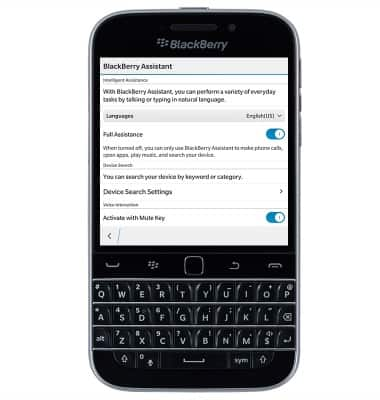
- To access settings, swipe down from the top of the display.

- Tap Settings.

- Edit settings as desired.
Voice control
BlackBerry Classic (SQC100-2)
Voice control
Use voice commands to control your device and access voice control settings.
INSTRUCTIONS & INFO