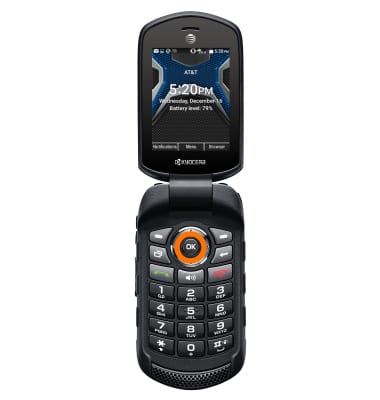
- From the home screen, select Menu.
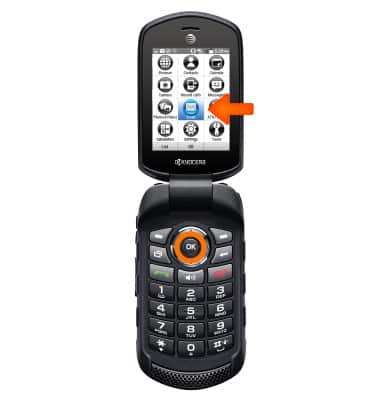
- Select Email.
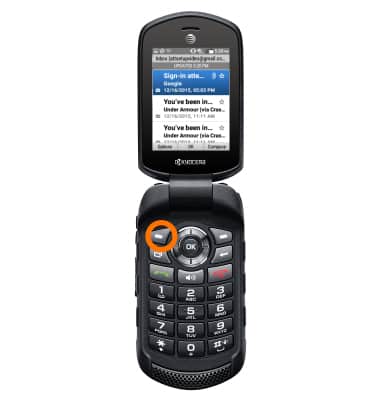
- Select Options.
- Scroll to and select Settings.
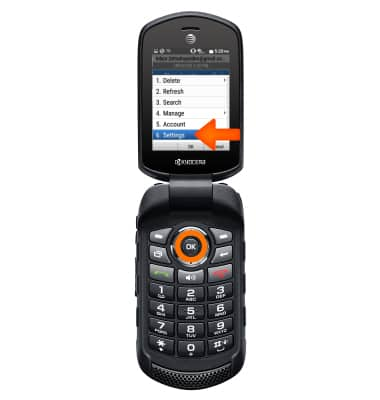
- To change email account incoming and outgoing server settings, from the Settings menu, select Account settings.
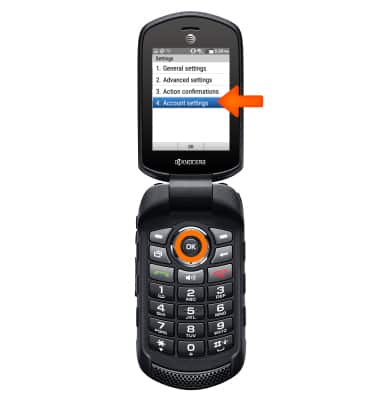
- Select the desired account.
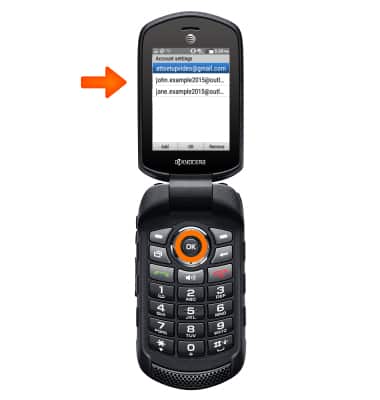
- Select Server settings.
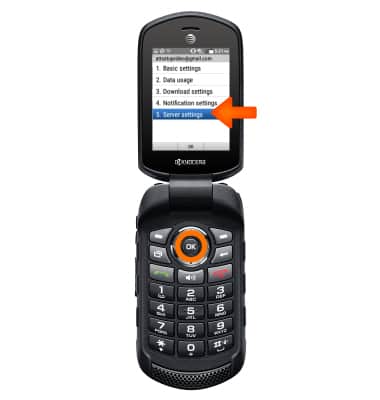
- Select Incoming settings or Outgoing settings and adjust as desired.
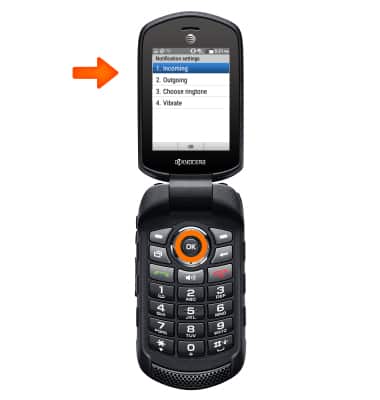
- To change email signature select Basic settings.
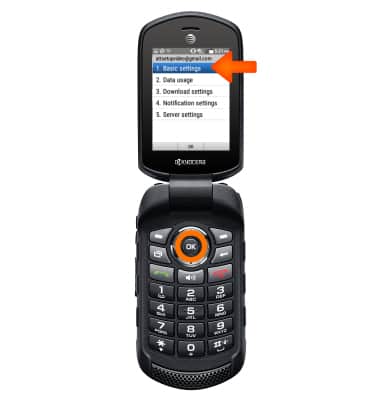
- Scroll to and select Signature.
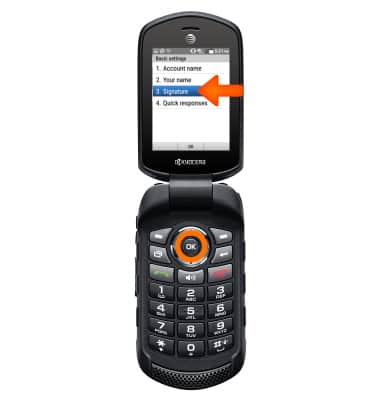
- Select On, adjust signature as desired, then select Save.
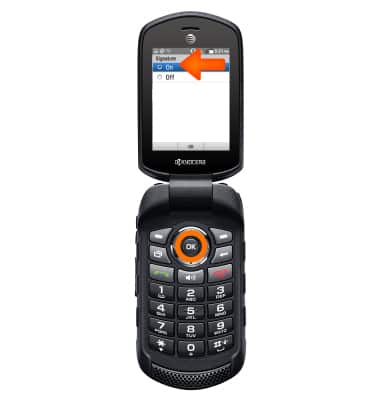
- To change the email sync frequency select Data usage.
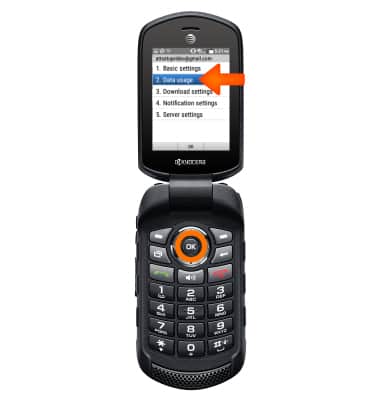
- Select Sync frequency.
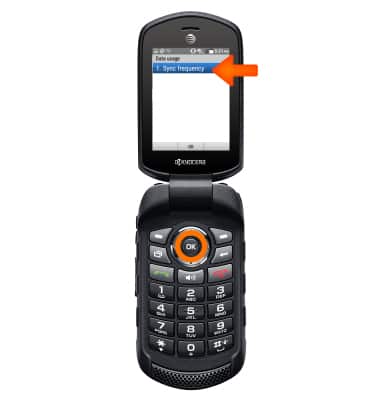
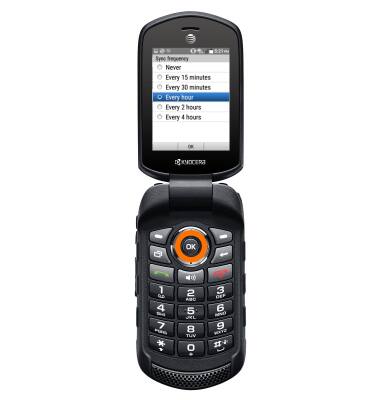
- Adjust frequency as desired.
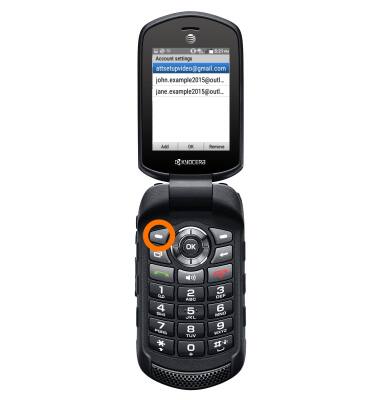
- To add an additional email account, from Settings, select Account settings.
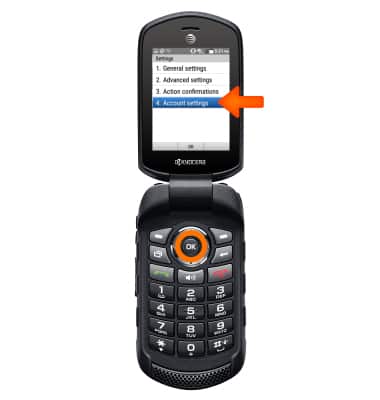
- Select Add.
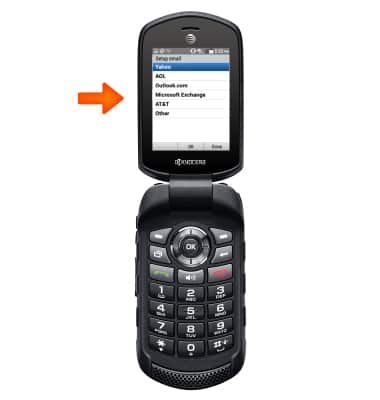
- Select email type and follow the on-screen prompts.
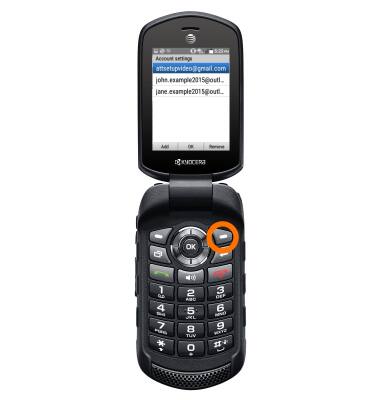
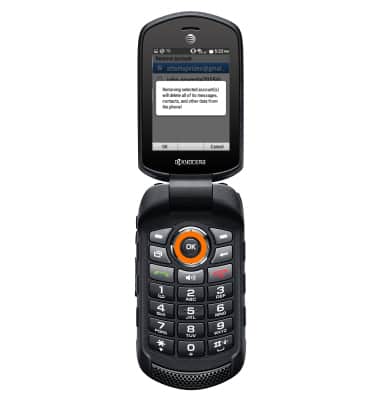
- To delete an account, from Account settings, select Remove.
- Select desired account, then select Remove.
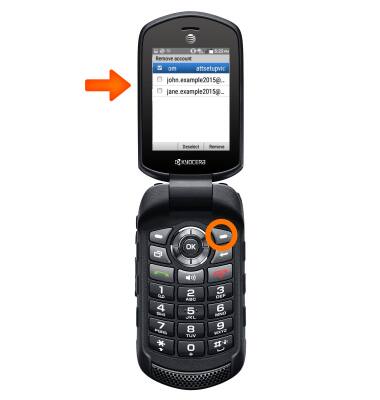
- Select OK.
Email settings
Kyocera Dura XE (E4710)
Email settings
Manage email settings such as sync frequency, server settings, signature, deleting an email account, and more.
INSTRUCTIONS & INFO