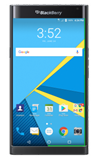
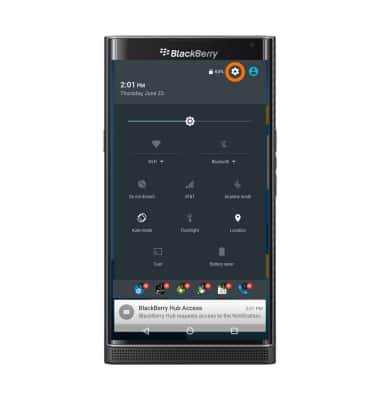
- Swipe down from the top of the screen with two fingers and tap the Settings icon.
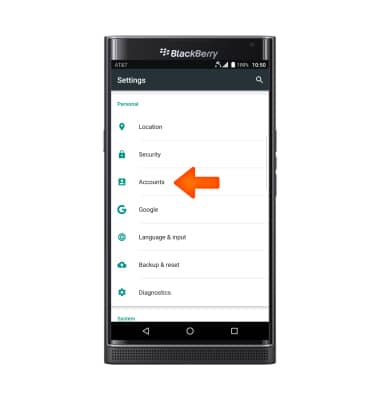
- Scroll to, then tap Accounts.
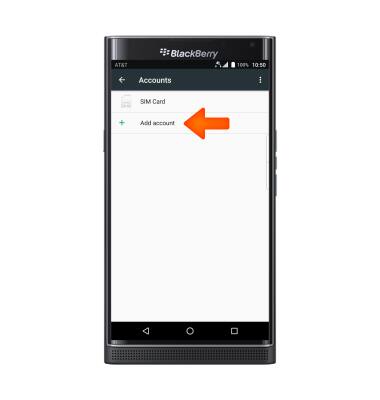
- To add an account, tap Add account.
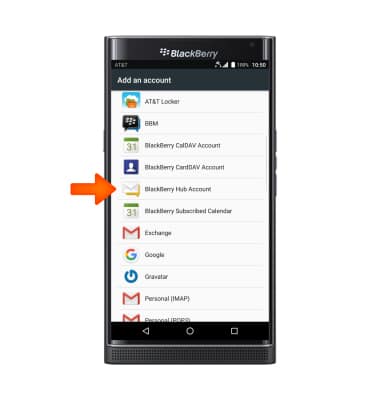
- Tap BlackBerry Hub Account.
- Enter your email address, and tap Next.
Note: For this tutorial a Gmail account was used.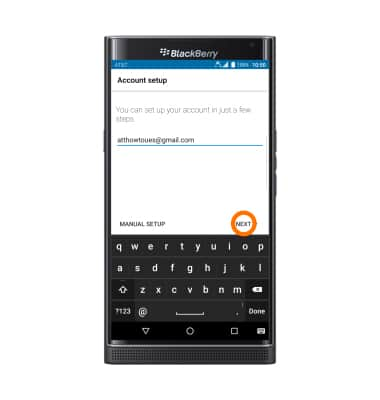
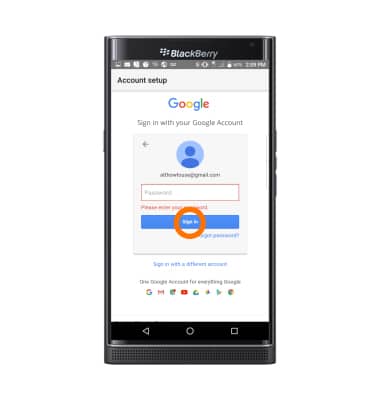
- Enter your Password, and tap NEXT.
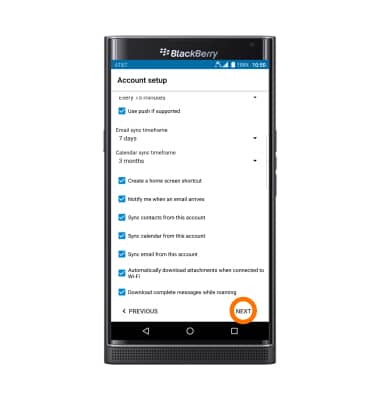
- Edit Account options as desired, and tap NEXT.
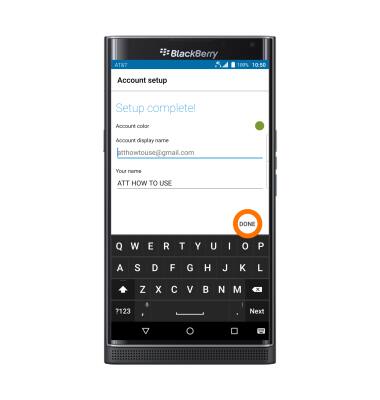
- Choose Account color, name and enter Your name, then tap Done.
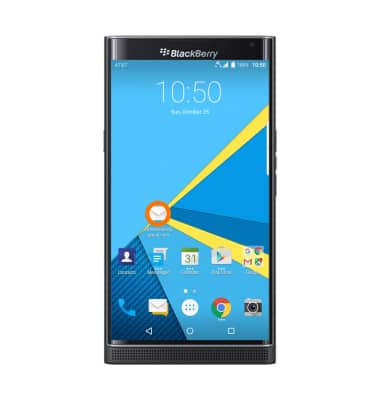
- Tap the BlackBerry Hub icon on the home screen to access your inbox.
Set up personal email
BlackBerry PRIV by BlackBerry (STV100-1)
Set up personal email
Add your personal email account to sync email, contacts, calendar, and notes to your device.
INSTRUCTIONS & INFO