Apple iPhone XR Device Help & How-To Guides
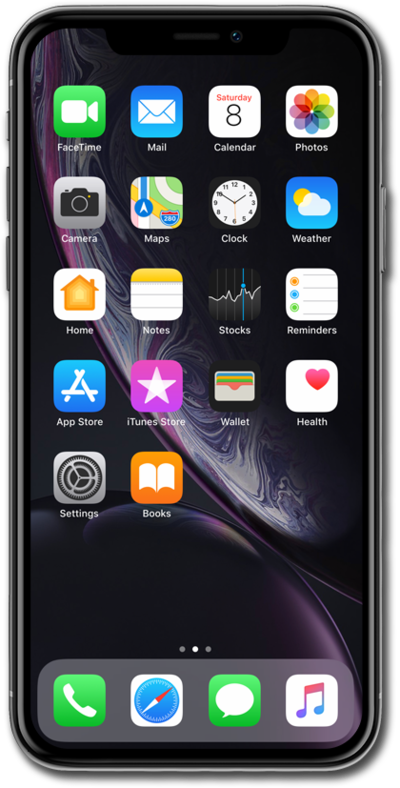
What would you like to learn about your device?
Trending iPhone XR topics
Setting up an eSIM with a push notification after device setup
This tutorial walks you through the process of setting up an eSIM on your device using a push notification sent by your carrier. This guide shows you how to accept the notification, download the eSIM profile, and activate your mobile service quickly and securely—without scanning a QR code or manually entering details.
ExploreFinding your IMEI/Device ID
Discover where to find your device's IMEI. In some instances, your IMEI number is also your Device ID number.
ExploreResetting network settings
If you are having trouble connecting to the Internet you may need to reset your network connections. Resetting your network connections will disconnect any Bluetooth devices connected to your device and disconnect your device from any Wi-Fi networks it is connected to.
ExploreDownloading an AT&T eSIM after device setup
Familiarize yourself with the steps to take to activate your AT&T Cellular Plan with an eSIM if the initial device setup steps have already been completed.
Explore