Switching between calls
Moto G Play (2021)
Switching between calls
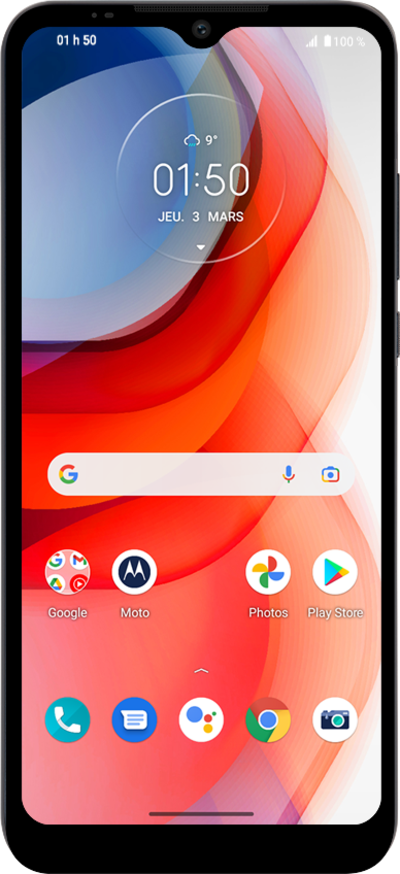
While on a phone call, you may receive a second phone call. You can put one phone call on hold and talk to other other and switch between them.
1.
From an ongoing call, swipe up on the Answer Call icon.
This will put the original call on hold.
2.
Tap Swap to return to the call on hold.
3.
Tap the End Call icon to end the current call.
When you end one call, you'll automatically switch to the other call that was on hold.
4.
You've completed the steps!
