Calling with HD Voice
Moto G Play (2021)
Calling with HD Voice
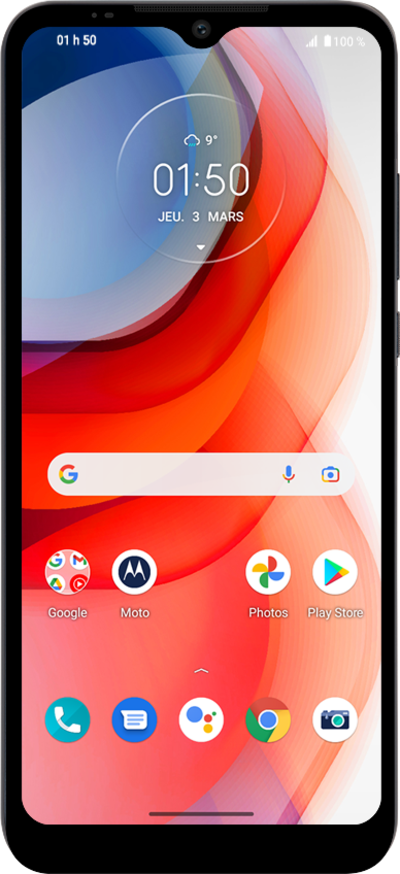
If both devices in a phone call have HD Voice enabled the phone call will be automatically switched over to HD Voice.
1.
From the Home screen, tap the Phone icon.
Data charges may apply to video calls when not connected to Wi-Fi. For more information, visit our HD Voice for Android FAQs.
2.
Tap the Keypad icon.
3.
Using the keypad, enter the phone number you'd like to call.
4.
Tap the Call icon.
Your calls will automatically be placed with HD Voice if both devices are compatible and in a 4G LTE coverage area. If your call can be completed in HD, the HD icon will appear at the top of the screen.
5.
You've completed the steps!
