Viewing a missed call and adding it as a contact
Moto G Play (2021)
Viewing a missed call and adding it as a contact
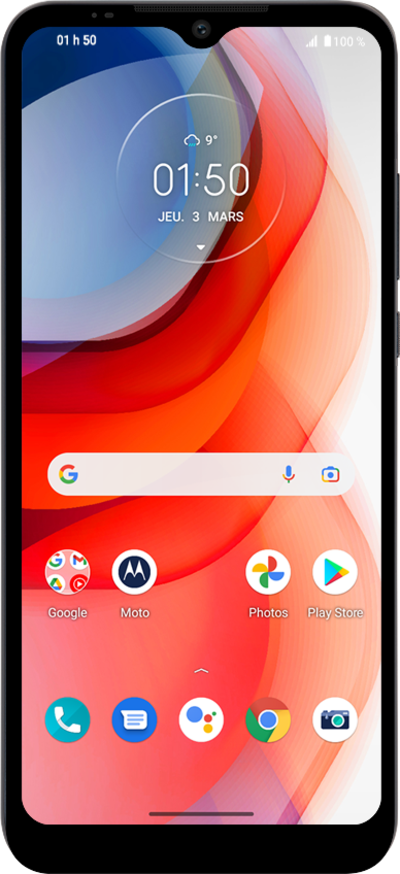
If you miss a phone call you can view it in your Recent call log. You can add it as a contact, call it back, or review the number.
1.
From the Lock screen, tap the Missed call twice.
Recently missed calls will appear here as notifications.
2.
Tap the number to view more options.
3.
Tap Add contact.
If prompted, select your contact storage location.
4.
Enter the contact's first name.
5.
Tap the Next key.
6.
Enter the contact's last name.
7.
Scroll to More fields.
8.
Tap More fields.
9.
Scroll to Email.
10.
Tap the Email field.
11.
Enter the contact's email address.
12.
Tap Save.
13.
You've completed the steps!
