Changing your Home Screen wallpaper
iPhone XR
Changing your Home Screen wallpaper
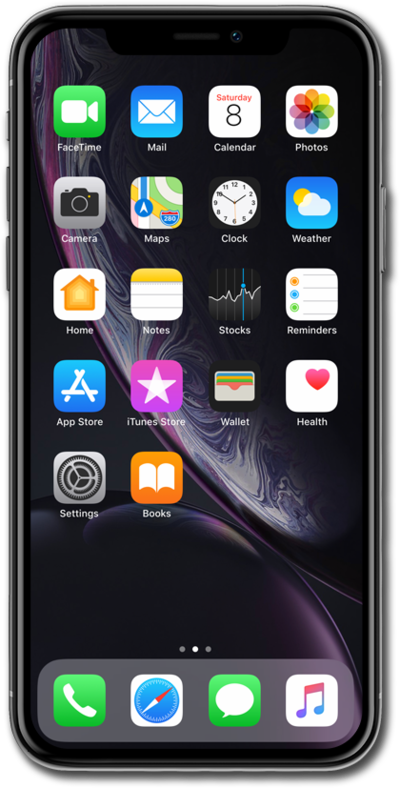
The background image for your device, also known as the wallpaper, can be changed in settings. You can use your own image as a wallpaper or choose from the default images on your device. You can change the lock screen and home screen backgrounds.
1.
Within the Settings app, scroll to and tap Wallpaper.
2.
Tap Customize under your current Home Screen wallpaper.
3.
Select the wallpaper preferences you'd like to use for your lock screen.
4.
Tap Done.
This will "pair" your particular wallpaper to your current Lock Screen. If you add another Lock Screen, you'll need to customize your Home Screen and select specific wallpaper again.
5.
You've completed the steps!
