Changing your phone’s language
iPhone XR
Changing your phone’s language
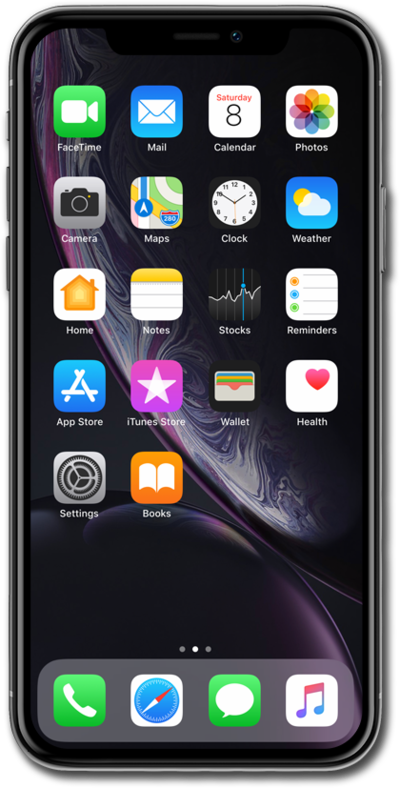
You can have multiple languages on your device or you can change the main language on your device.
1.
From within the Settings app, scroll to and tap General.
2.
Scroll to and tap Language & Region.
3.
Tap Add Language...
4.
Select a language.
5.
Tap the new language.
Your device will fade to black for a few seconds, then fade back with the selected language enabled.
6.
You've completed the steps!
