Changing iPhone's name
iPhone XR
Changing iPhone's name
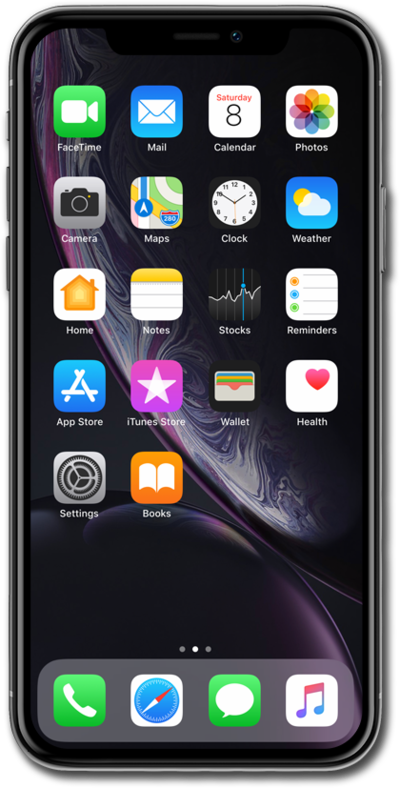
You can change the name of your device. This name will show up when you connect your device to a computer or wirelessly connect to another device.
1.
From the Home screen, tap Settings.
2.
Scroll to and tap General.
3.
Tap About.
4.
Tap Name.
Your Model Name and Model Number will change based on your device.
5.
Tap the X icon.
6.
Enter a new name for iPhone.
7.
Tap the done key to save your changes.
8.
You've completed the steps!
