Sending a text with an attachment
iPhone XR
Sending a text with an attachment
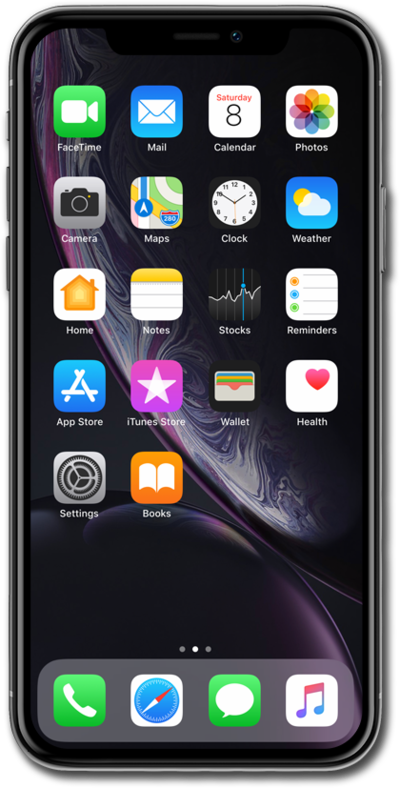
Compose and send a standard SMS message with your device's text messaging app. You can send a text message to an individual or a group.
1.
From the Home screen, tap the Messages icon.
2.
Tap the Compose icon.
3.
Enter a contact's name.
You can also enter a phone number that is not in your contacts.
4.
Select the contact.
5.
Tap the return key.
6.
Compose your message.
7.
Tap the More Options icon.
Depending on the length of the message, you may not need to tap the More Options icon.
8.
Tap the Photos icon.
9.
Select a photo.
10.
Tap the Send icon.
11.
You've completed the steps!
