Turning iMessage on or off

Turning iMessage on or off

iMessages can be sent between Apple devices such as the iPhone, iPad, iPod touch, and Mac devices. iMessages may have some additional effects depending on your device such as text effects or Memojis.
1.

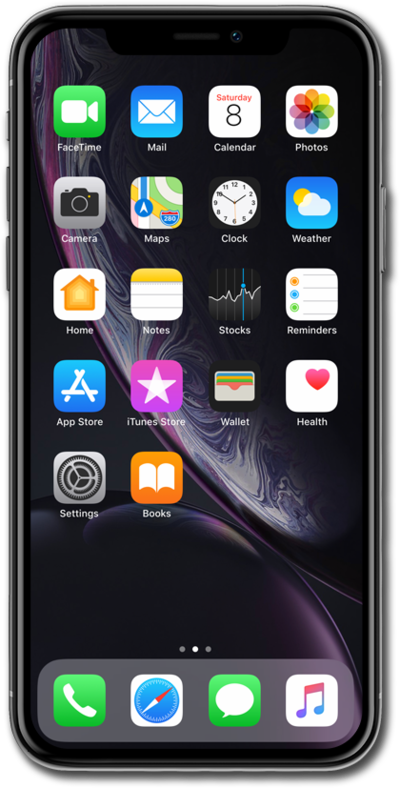
From within the Settings app, scroll to and tap Apps.

Next
From the Settings app, scroll to and tap Apps.

Was this guide helpful?


Related topics


Texting

Blocking a number from messages
Deleting conversations
Forcing iCloud to sync Messages on your iPhone
Hiding alerts for a messages conversation
Saving storage by auto deleting old conversations
Scheduling Messages with Send Later
Sending a text with an attachment
Setting up your Messages profile
Sharing your location in a messages conversation
Turning RCS messaging on or off
Turning off group message notifications
Using Check In to notify others when you reach a destination