Adding and removing Home screen pages
iPhone 8 Plus
Adding and removing Home screen pages
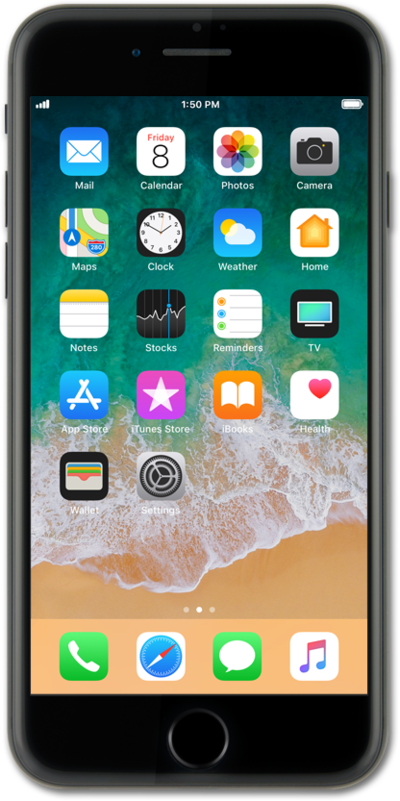
You can rearrange or move applications to a new or different home screen. Your device can have multiple home screens to suit your needs.
1.
From the Home screen, touch and hold an app.
2.
Tap Edit Home Screen.
3.
Drag an app to the right to create a new Home screen.
4.
Tap the Done button to save your changes.
If you are using a device with a home button, press the Home button to save your changes.
5.
To remove a Home screen, touch and hold an app on it.
6.
Tap Edit Home Screen.
7.
Drag the app to another Home screen.
To remove a Home screen, remove all the apps from within it.
8.
Tap Done to save your changes.
If you are using a device with a home button, press the Home button to save your changes.
9.
You've completed the steps!
