Adding widgets
iPhone 8 Plus
Adding widgets
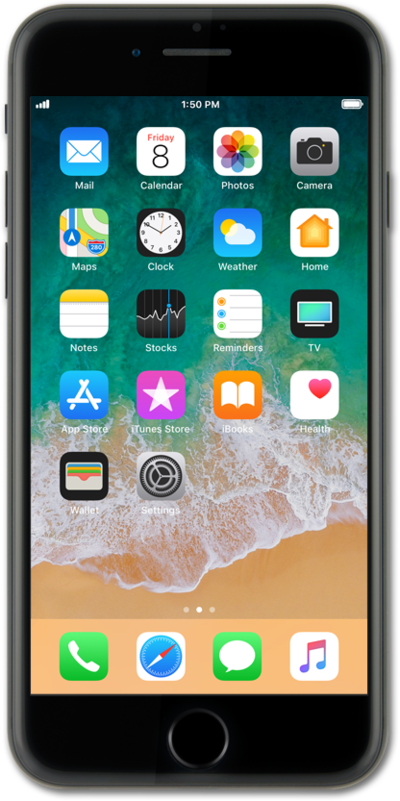
Widgets allow you to do things such as preview upcoming events, see recent emails, and get quick access to your favorite contacts. Widgets are also known as modules and help you keep important information at the tips of your fingers.
1.
From the Home screen, swipe from left to right to access your widgets panel.
For this tutorial we are choosing to add a widget on the widgets panel. You may choose to add a widget on any Home screen panel, however steps may vary.
2.
Tap Edit.
3.
Tap the Add widget icon.
4.
Select the widget you would like to add.
5.
Swipe to choose a widget size.
Some widgets may have multiple sizes.
6.
Tap Add widget.
7.
Tap Done.
If you are using a device with a home button, press the Home button to save your changes.
8.
You've completed the steps!
