Adding a New Lock Screen
iPhone 8 Plus
Adding a New Lock Screen
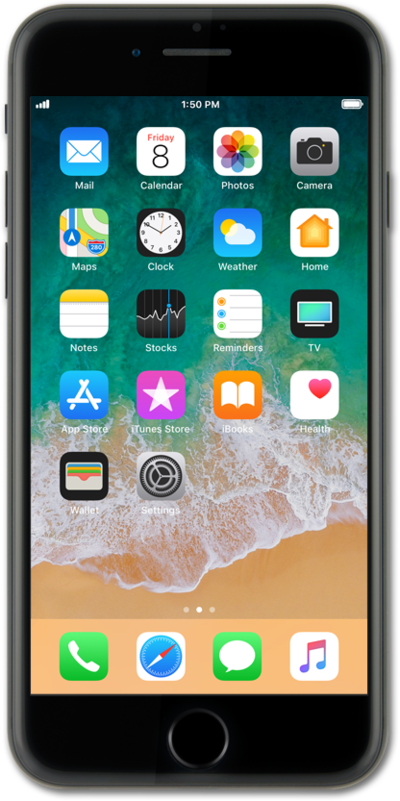
Learn how to add a new Lock Screen to your device and pair it with specific Home Screen wallpaper.
1.
From the Lock Screen, touch and hold on the screen.
If you have a device passcode set, input the passcode to proceed to the next steps.
2.
Tap the Add icon.
3.
Select the wallpaper you'd like to use for your Lock Screen.
4.
Tap Add.
5.
Tap Set as Wallpaper Pair.
If you want to have a separate Home Screen wallpaper from your Lock Screen, tap Customize Home Screen and select one of the options at the bottom of the screen.
6.
You've completed the steps!
