Using accessibility shortcuts
Galaxy S22 Ultra
Using accessibility shortcuts
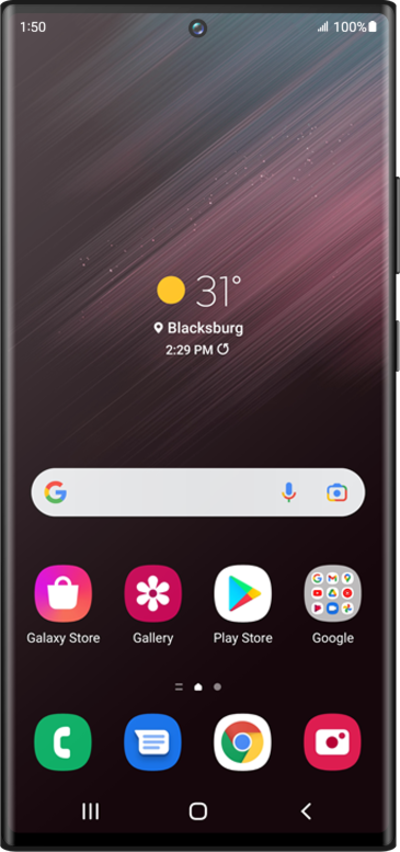
Accessibility shortcuts allow you to have direct access to certain device functions from the shortcut option. These can include swiping actions or button actions.
1.
From the Settings screen, scroll to and tap Accessibility.
2.
Tap Accessibility shortcuts.
3.
Select a button or shortcut you would like to customize.
From this screen you can make changes to your accessibility shortcuts.
4.
Select your preferred service.
5.
You've completed the steps!
