Setting up camera flash or screen flash notifications
Galaxy S22 Ultra
Setting up camera flash or screen flash notifications
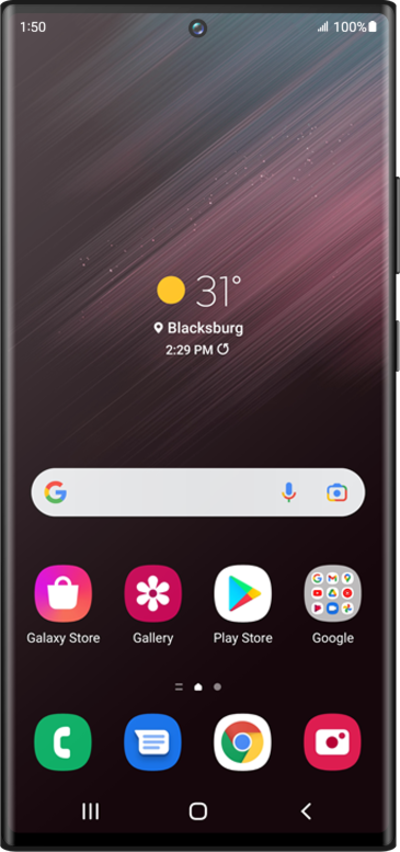
Your device can flash its camera light, or the screen itself, whenever you've received a new notification.
1.
From Accessibility, tap Hearing enhancements.
2.
Tap Flash notification.
3.
Tap Camera flash notification.
4.
Select your preferences.
5.
Tap or slide the Camera flash notification switch to ON.
6.
You've completed the steps!
