Turning on Universal switch
Galaxy S22 Ultra
Turning on Universal switch
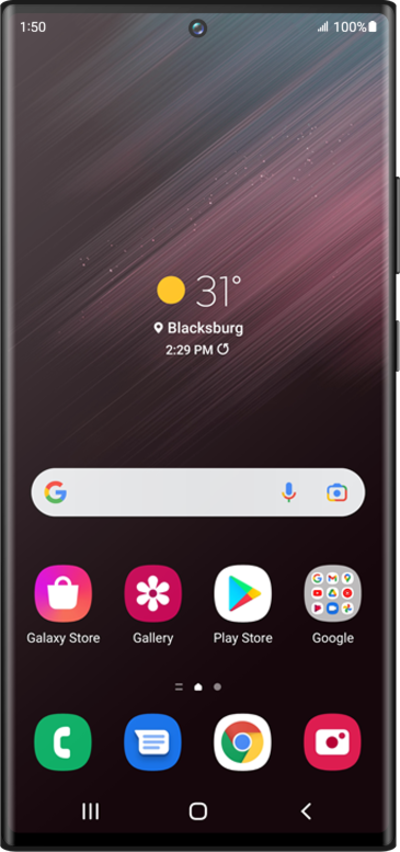
The Universal Switch feature allows you to control your device using an external switch, head movements, or face gestures.
1.
From Accessibility within the Settings app, tap Interaction and dexterity.
2.
Tap Universal switch.
3.
Tap Next.
4.
Tap Next again.
5.
Tap Next again.
6.
Tap Next again.
7.
Tap Next again.
8.
Tap Done.
9.
Tap or slide the Universal switch switch to ON.
10.
Tap Allow.
11.
Tap Turn off.
12.
Using your universal switch, tap OK.
13.
You've completed the steps!
