Recording a video
Galaxy S10
Recording a video
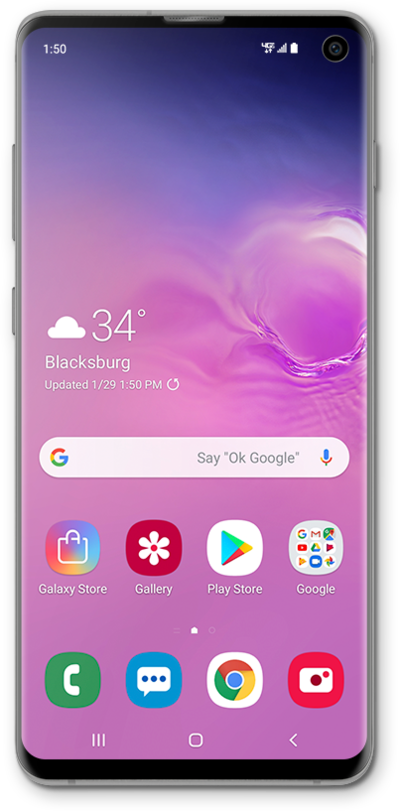
Learn how you can record a video with your phone/tablets built in camera app.
1.
From the Home screen, tap the Camera icon.
You can also access the Camera from the Lock screen by dragging the Camera icon up toward the top of the screen.
2.
Tap Video.
3.
Tap the Record icon to begin recording.
4.
Tap the Stop icon to stop recording.
5.
You've completed the steps!
