Accessing the camera from the Lock screen
Galaxy S10
Accessing the camera from the Lock screen
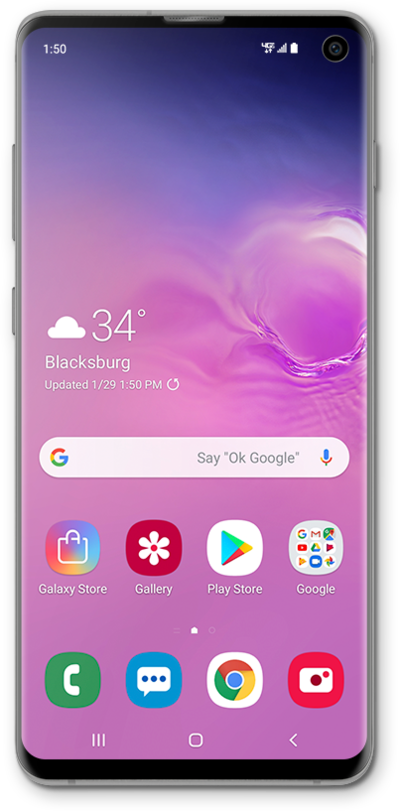
You can get to your device's camera app from the lock screen using the lock screen shortcut for camera. This allows you to take a picture without unlocking your device.
1.
From the Lock screen, drag the Camera icon toward the top of the screen.
2.
Tap the Shutter icon to take a picture.
3.
You've completed the steps!
