Taking a selfie
Galaxy S10
Taking a selfie
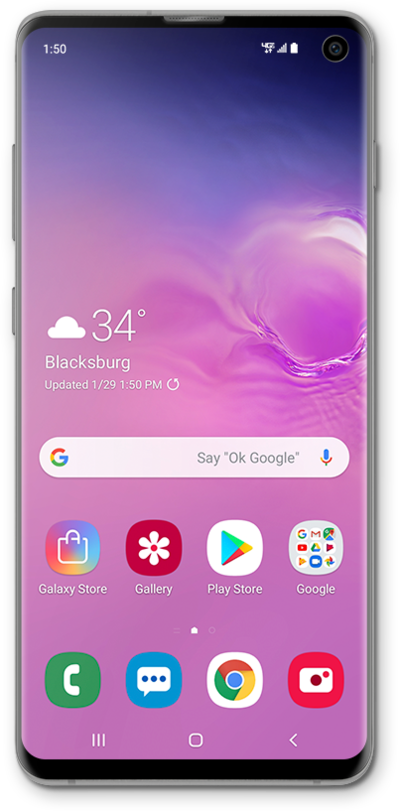
Learn how you can use the front facing camera of your device to take a selfie picture or video.
1.
From the Camera app, tap the Switch camera icon.
2.
Tap the Shutter icon to take a picture.
3.
You've completed the steps!
