Taking a picture while recording a video
Galaxy S10
Taking a picture while recording a video
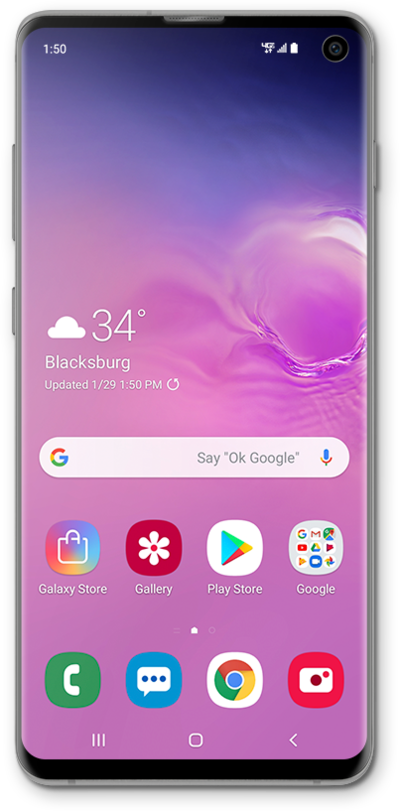
Using your device's built in camera app, while recording a video you can also take a picture.
1.
From the Camera app, tap Video.
2.
Tap the Record icon to begin recording.
3.
Tap the Camera icon to take a picture.
4.
Tap the Stop icon to stop recording.
Your photos are saved in the Gallery app along with your video.
5.
You've completed the steps!
