Using two apps side by side with Split View
Using two apps side by side with Split View
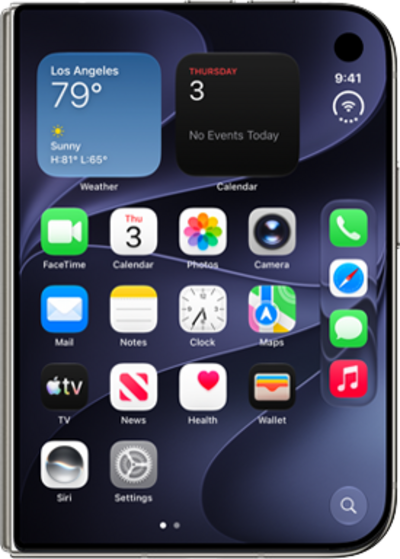
From an app you would like to open in Split View, swipe up from the bottom of the screen and pause.
You can also touch and hold an app icon in the Home Screen or App Library, then tap Open in Split View.
Drag and drop the app to the left or right.
Select a second app to add to your paired view.
You can choose an app from your Home Screen or App Library, or by swiping up from the bottom of the screen and choosing another open app.
To swap which side an app is on, swipe up from the bottom of that app and hold.
Drag and drop the app to the left or right.
If you close your iPhone Duo while in Split View, the app with the most recent interaction will move to the external display. Reopening the Duo will return to Split View.
To pair your apps, tap the divider bar in the center of the screen.
Once two apps have been paired, they'll share a navigation bar and will be treated as a single app when swiping between recent apps. To unpair them, tap the divider again.
To exit Split View, drag the divider bar to the left or right edge of the screen.
You can also individually swipe up on either app from the Recent Apps view to close it.
You've completed the steps!
