Answering and ending calls with iPhone Duo open or folded
iPhone Duo
Answering and ending calls with iPhone Duo open or folded
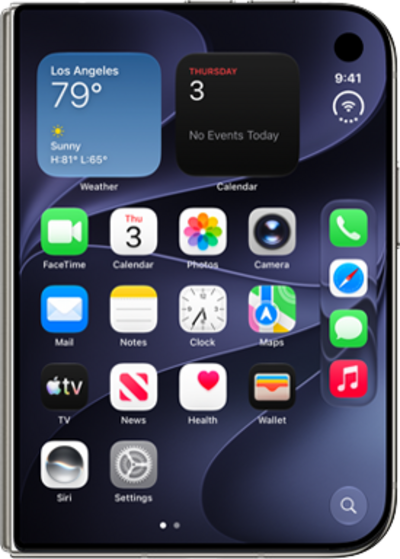
This tutorial walks you through answering and ending calls on your iPhone Duo. This guide shows you how to manage incoming calls whether your device is open or folded, and how to end a call in either position.
1.
From an incoming call, tap the Call icon to answer.
2.
You can fold or unfold iPhone Duo without disrupting your call.
While iPhone Duo is unfolded, calls will use Speaker mode.
3.
Tap the Call status icon to return to your call.
4.
Tap End to hang up.
5.
You've completed the steps!
