Blocking and unblocking a contact
iPhone 6 Plus
Blocking and unblocking a contact
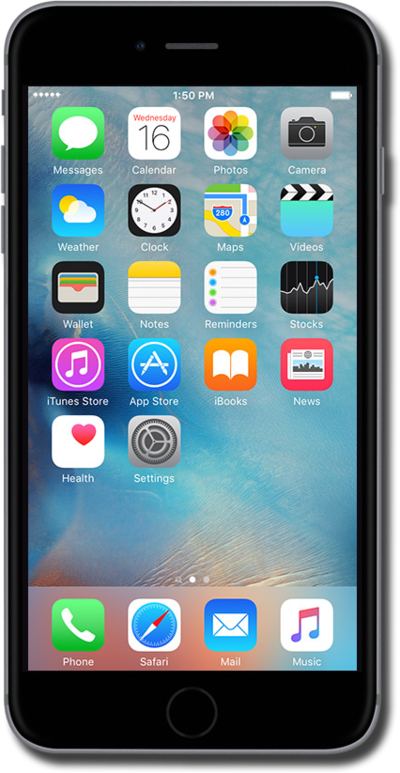
Learn how to block or unblock a contact's phone number. This will prevent that phone number from contacting your device.
1.
From the Home screen, tap Settings.
2.
Scroll to Phone.
3.
Tap Phone.
4.
Tap Call Blocking & Identification.
5.
Tap Block Contact.
6.
Select the contact you'd like to block.
When a contact is blocked you'll no longer recieve phone calls, messages, or FaceTime from them.
7.
To unblock a contact, tap Edit.
8.
Tap the Minus sign icon.
9.
Tap Unblock.
10.
You've completed the steps!
