Adding a picture to a contact
iPhone 6 Plus
Adding a picture to a contact
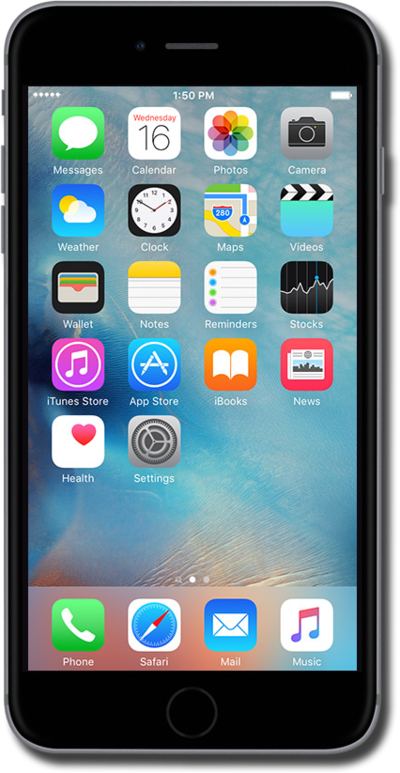
Set pictures to the contacts on your device to make it easier to tell who a text, email, or phone call is from at a glance.
1.
From the Home screen, swipe to Contacts.
2.
Tap Contacts.
3.
Select a contact.
4.
Tap Edit.
5.
Tap add photo.
6.
Tap Choose Photo.
7.
Select an album.
8.
Select a photo.
9.
Place two fingers on the screen and pinch in or out to zoom in or out as desired.
10.
Tap Choose.
11.
Tap Done.
12.
You've completed the steps!
