Adding and removing contacts from favorites in Easy mode
Galaxy S10 5G
Adding and removing contacts from favorites in Easy mode
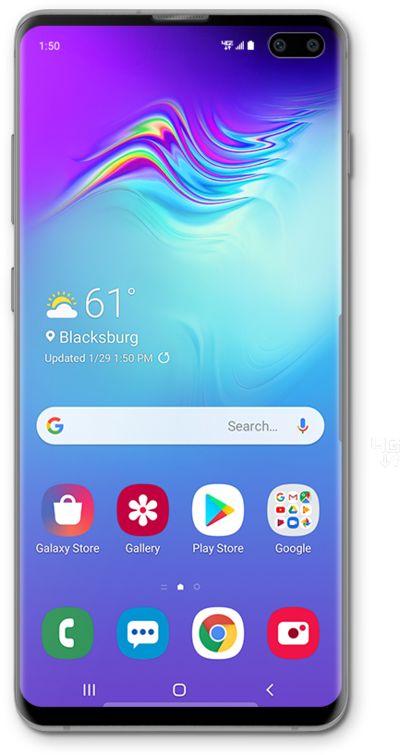
While in Easy mode, your Home Screen will have a page for all your favorite contacts. You can add and remove contacts from your favorites page.
1.
From the Home screen, swipe left to right to view the Favorite contacts screen.
2.
To add a contact, tap the Add Contact icon.
3.
Tap Create contact.
If necessary, select an account to save the contact to.
4.
Enter the contact's name.
5.
Tap the Phone field.
6.
Enter the contact's phone number.
7.
Tap the Next key.
8.
Enter the contact's email address.
9.
Tap Save.
10.
To delete a contact, tap Delete.
11.
Tap the Minus sign icon beside the contact you'd like to remove.
12.
Tap Remove.
Removing a contact from your Favorites screen won't delete the contact completely from your phone. You'll still be able to find that contact in your Contacts app.
13.
Tap Done to save your changes.
14.
You've completed the steps!
