Accessing and clearing the Notification panel
Galaxy S10 5G
Accessing and clearing the Notification panel
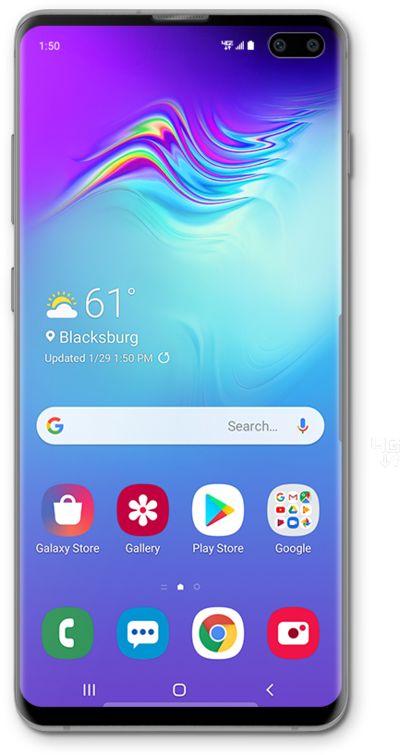
Discover how to access and clear the Notification Panel while in Easy mode on your device.
1.
From the Home screen, drag down the Notification Panel.
2.
To dismiss notifications individually, drag a notification to the left or right.
Tap a notification to view more information about it.
3.
Tap Clear to dismiss all notifications.
You can also close the Notification Panel by tapping the Home icon or dragging upward from the bottom of the screen.
4.
You've completed the steps!
