Searching from the Home screen
Galaxy S10 5G
Searching from the Home screen
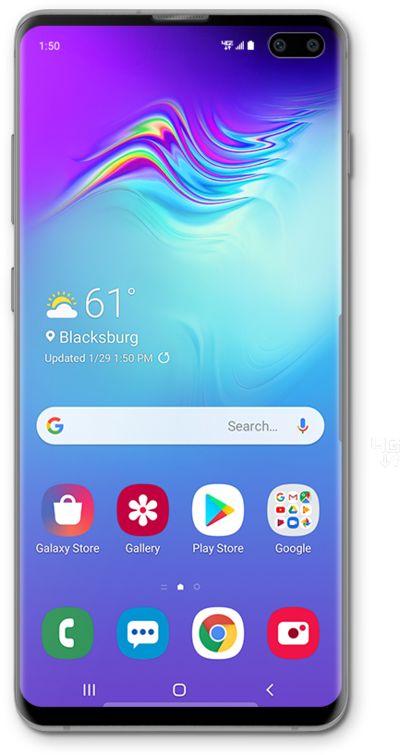
Use the Google search widget to help you find the content you're looking for. You can use the search widget just like you would the Google search bar in a web browser.
1.
From the Home screen, tap the Google search widget.
2.
Enter a search item.
As you type, matching words on your phone will be found, like contacts or apps, and Google search results.
3.
Tap the Search key.
If the phone understands the search term, your search results will be displayed.
4.
You've completed the steps!
