Accessing Easy Settings
Galaxy S10 5G
Accessing Easy Settings
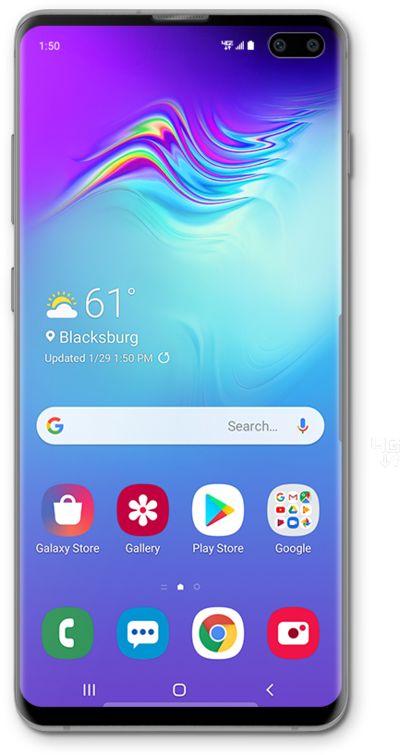
You are still able to access all your device settings while in Easy Mode. The device settings will be laid out like they are in standard mode.
1.
From the Home screen, swipe right to left to access your Favorite apps screen.
2.
Tap Settings.
3.
You've completed the steps!
