Adding and removing apps from favorites
Galaxy S10 5G
Adding and removing apps from favorites
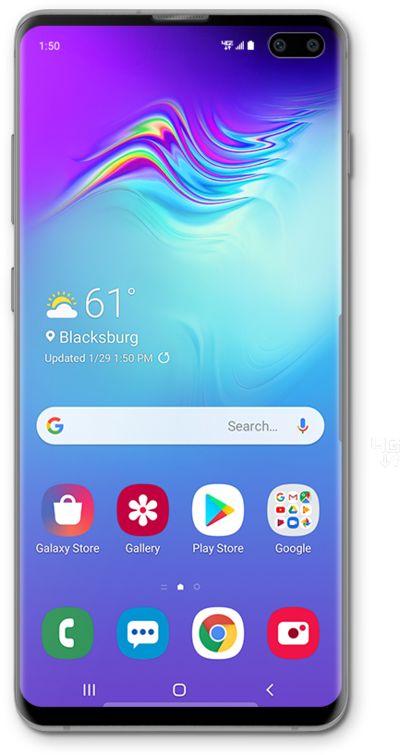
Easy mode has a favorite apps section on one of the home panels. You can update the apps that are on it to be the apps that you use most often.
1.
From the Home screen, swipe right to left to access the Favorite Apps screen.
2.
Tap the Apps icon.
3.
Touch and hold the app you'd like to add to the Favorite Apps screen.
4.
Drag the app to an empty location on the Favorite Apps screen.
5.
To remove an app from the Favorite Apps screen, touch and hold the app you'd like to remove.
6.
Tap Remove.
7.
You've completed the steps!
