Messaging in low quality image mode to save data
iPad Air (1st generation)
Messaging in low quality image mode to save data
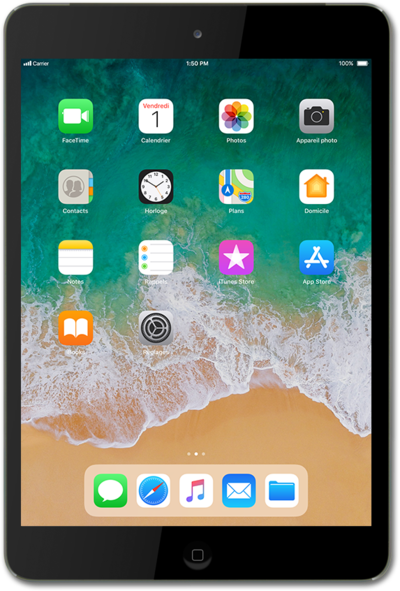
To save on cellular data usage, you can set your device to send images via text at a lower quality.
1.
From the Home screen, tap Settings.
2.
Scroll to Messages.
3.
Tap Messages.
4.
Tap or slide the Low Quality Image Mode switch to ON.
Sending lower quality images will reduce data usage.
5.
You've completed the steps!
