Setting up iPhone cellular calls on iPad
iPad Air (1st generation)
Setting up iPhone cellular calls on iPad
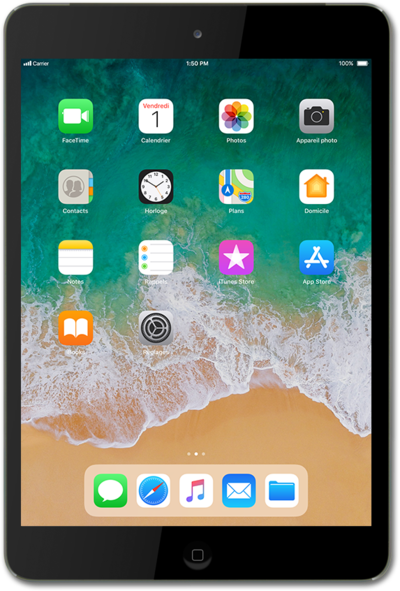
Discover how to enable iPhone cellular calls on your iPad. Your iPhone and iPad must be signed into iCloud and FaceTime with the same Apple ID and connected to the same Wi-Fi network.
1.
From the Home screen, tap Settings.
2.
Scroll to FaceTime.
3.
Tap FaceTime.
4.
Switch Calls From iPhone to ON.
Allow Calls on Other Devices must be on for iPhone
5.
You've completed the steps!
