Managing data usage
iPad Air (1st generation)
Managing data usage
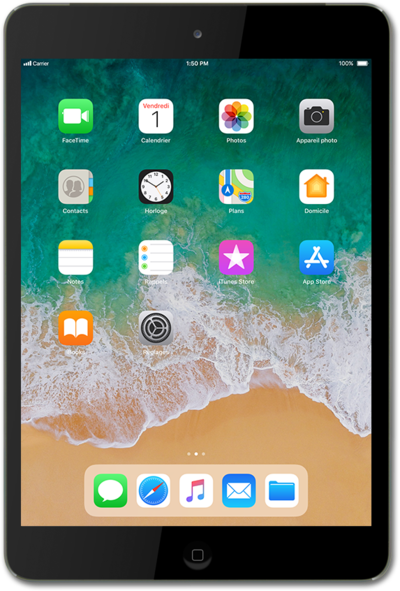
You can view how much cellular data each of your apps has used and temporarily prevent them from accessing cellular data.
1.
From the Home screen, tap Settings.
2.
Tap Cellular Data.
In the CELLULAR DATA section, you can view your data usage for your current billing cycle.
3.
Select your preferences.
Turning off apps may help save battery life and data consumption.
4.
You've completed the steps!
