NumberSync - Call From Any Device | AT&T
AT&T NumberSync®
Leave your phone.
Bring your number.
Stay connected even if your phone is off or far away. Your smartphone number syncs with your tablet, smartwatch, computer, select vehicles, and compatible devices.
Learn more about your compatible devices
Apple iPad and MacBook
Make and receive calls from any of your screens, using your smartphone number.
Upgrade today. NumberSync ASAP.
Get great deals on the latest Apple devices.
AT&T NumberSync® for Apple Watch FAQ
AT&T NumberSync for Apple Watch (Cellular) lets your watch work on the AT&T domestic cellular network. You can talk and text from your watch using your AT&T iPhone number and use cellular data. The watch must have its own cellular plan to use AT&T NumberSync for Apple Watch (Cellular) service.
AT&T NumberSync for Apple Watch (Cellular) works where the AT&T domestic network is available (U.S., Puerto Rico and the U.S. Virgin Islands). Calls and texts over Wi-Fi are also supported on the watch. Customers can now use their watch in Mexico and Canada.
Yes, your watch must be synced with your iPhone to have access to the AT&T Wireless network.
AT&T NumberSync® for Apple FAQ
- Your mobile phone must be an iPhone 6 or newer running iOS 9.3 or later
- You must enable Wi-Fi Calling on your iPhone first. For information on how to set up Wi-Fi Calling, visit the Wi-Fi Calling support page
- Your smartphone and compatible Apple devices must share the same Apple ID
- Your AT&T NumberSync device must have access to a broadband connection. This can be over Wi-Fi, wired broadband, or AT&T mobile broadband
- For more about setting up AT&T NumberSync, please visit the AT&T NumberSync support page
AT&T NumberSync works even if your iPhone is turned off or your Apple devices are on different Wi-Fi networks. With AT&T NumberSync, the synced devices just need to have access to the Internet with a Wi-Fi, wired broadband, or AT&T mobile broadband.

AT&T NumberSync® for wearables FAQ
AT&T NumberSync for wearables lets you use your smartphone number on your smartwatch. Now you can make and receive calls and send and receive text messages on your compatible smartwatch.
You need the following:
- An AT&T postpaid wireless account that’s been set up for AT&T HD Voice
- An AT&T HD Voice-compatible smartphone
- A wearable device that supports AT&T NumberSync and has eligible AT&T wireless service
- An AT&T User (Access) ID associated with the smartphone number
Note: This ID is unique from what you may have created for DIRECTV or U-verse.
There’s no additional cost beyond that of the wireless rate plans for your smartwatch and smartphone. Note that data rates, rather than messaging rates, apply when you use AT&T NumberSync to send and receive text messages.
AT&T NumberSync for Connected Car
Your smartphone number syncs with your car to make and receive calls on the go—even if your phone isn’t with you.
- Plan includes NumberSync, 5G access, and unlimited AT&T Connected CarTM for $20/mo.
- Available for select BMW, Rolls-Royce, and MINI models
US only. Req’s elig. vehicle, smartphone with HD voice and AT&T postpaid wireless account. 5G requires compatible equipment. 5G may not be in your area. Details: att.com/5Gforyou. Svc. & coverage not avail. everywhere. Other charges & restr’s. apply.
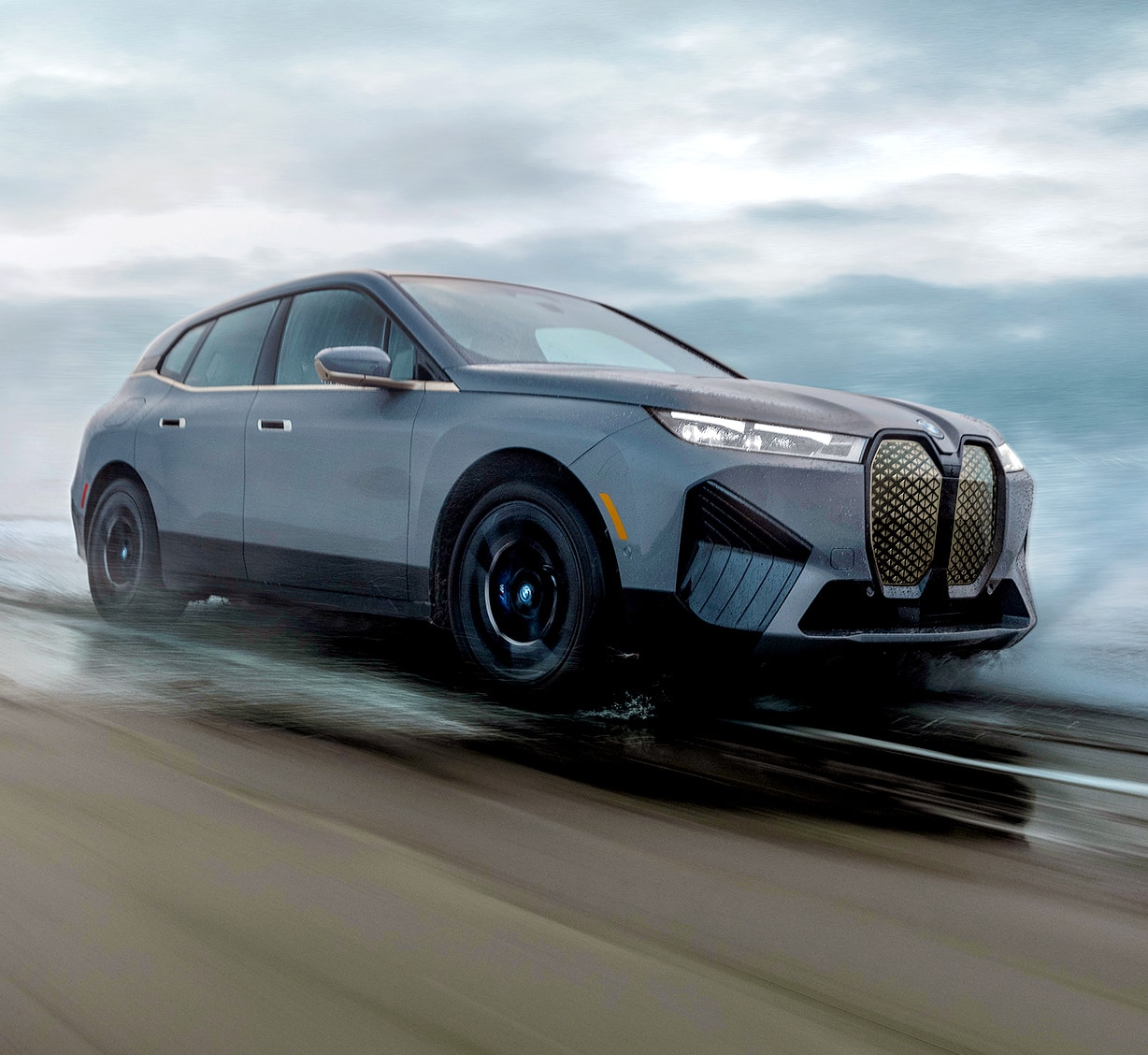
AT&T NumberSync for Connected Car FAQ
With AT&T NumberSync for Connected Car, your smartphone number syncs with your car to make and receive calls on the go, even if your phone isn’t with you. Along with the NumberSync feature, this plan also includes 5G access and unlimited AT&T In-car Wi-Fi for $20/mo.
You’ll be able to use unlimited hands-free calling in your car with your smartphone number. Your passengers can stream, browse, and share from their favorite device with the car’s powerful Wi-Fi hotspot. Plus, you’ll have a strong, reliable connection from your car antenna.
U.S. only. Calls to international locations not supported. Req’s elig. vehicle, smartphone with HD voice and AT&T postpaid wireless account. 5G requires compatible equipment and may not be in your area. Details: att.com/5Gforyou. Svc. & coverage not avail. everywhere. Other charges & restr’s. apply.
AT&T In-car Wi-Fi provides internet data that works with your vehicle’s built-in Wi-Fi hotspot and is included in the AT&T NumberSync for Connected Car plan. Enjoy fast, powerful Wi-Fi on the go. In-car Wi-Fi turns your car into a Wi-Fi hotspot with fast, reliable internet access even when you’re far from home.