How To Upgrade To Wi-Fi 6 | AT&T Internet
Wi-Fi 6 with AT&T Fiber®
Increase your speed and network efficiency
Find out if your router can take advantage of Wi-Fi 6 technology and how to set up your compatible devices.
Get ready to upgrade to Wi-Fi 6
- What is Wi-Fi 6?
- Does AT&T Internet services offer
Wi-Fi 6 technology? - Is my AT&T Gateway Wi-Fi 6
capable? - Is my modem and
router Wi-Fi 6 capable? - How do I upgrade my
Wi-Fi® to Wi-Fi 6? - How do I set up my Wi-Fi 6 router or gateway?
- How do I connect my devices to Wi-Fi 6?
- How do I test the connection of my devices?
What is Wi-Fi 6?
Wi-Fi 6 is the latest Wi-Fi technology standard and is offered by AT&T. Also known as 802.11ax, Wi-Fi 6 offers many benefits over previous generations of Wi-Fi.
With a Wi-Fi 6 sticker or label on your router or gateway, you can expect:1
- Faster Wi-Fi for gaming or streaming
- Increased efficiency to connect more devices due to new tri-band technology
- Improved security with enhancements such as WPA3 encryption, an updated security protocol
- More coverage and decreased power requirements
Learn more about Wi-Fi 6 and upgrade benefits
1Optimal Wi-Fi 6 performance requires Wi-Fi 6 enabled devices.
Does AT&T Internet services offer Wi-Fi 6 technology?
Yes, AT&T Fiber customers with multi-gigabit internet plans starting at 2 GIG speeds already have access to the latest AT&T Wi-Fi Gateway with Wi-Fi 6 technology.
Is my AT&T Gateway Wi-Fi 6 capable?
Take a look at your AT&T Gateway model number.
AT&T Gateway model BGW320 is Wi-Fi 6 capable and is available with AT&T Fiber multi-GIG plans starting at 2 GIG speeds.
If you have a BGW210, 5268AC, NVG589, NVG599 model AT&T Gateway, your device does not use Wi-Fi 6 technology.
Is my modem and router Wi-Fi 6 capable?
First, find out what Wi-Fi standard your equipment uses. You can check the documentation that came with your router, the labeling on the side or bottom of the router, or the specifications on the manufacturer’s website.
If you have a router running a Wi-Fi standard older than Wi-Fi 6, such as 802.11b, 802.11g, or 802.11n, you may want to upgrade to equipment enabled with Wi-Fi 6 to improve the speed and performance of your home Wi-Fi network.
Learn more about the differences between modems, routers, and gateways
How do I upgrade my Wi-Fi to Wi-Fi 6?
AT&T Fiber customers with multi-gigabit internet plans starting at 2 GIG speeds already have access to the latest AT&T Wi-Fi Gateway with Wi-Fi 6 technology. If you use a router and your home network is not on the Wi-Fi 6 standard, you’ll need to upgrade your Wi-Fi equipment to use Wi-Fi 6. Make sure your new router is marked 802.11ax or Wi-Fi 6 when upgrading.
How do I set up my Wi-Fi 6 router or gateway?
Follow the instructions from your device manufacturer to set up and connect the router to your internet service provider (ISP).
If you have AT&T Fiber with the AT&T Wi-Fi Gateway, you can have your equipment professionally installed to make sure it is set up correctly. Or, if available at your address, you can set up your AT&T Internet with the AT&T Wi-Fi Gateway yourself at no additional charge.
How do I connect my devices to Wi-Fi 6?
Once you have your Wi-Fi 6 gateway or router online, you can connect Wi-Fi capable devices to your Wi-Fi 6 network.
To connect to the Wi-Fi network with your devices, use the network name (SSID) and password labeled on your gateway or router. If that’s not an option, follow the instructions from your router’s manufacturer to set up an SSID and password.
How do I test the connection of my devices?
After connecting your devices to your new Wi-Fi 6 network, you should test the connection by visiting websites and streaming music or videos. You may also try running a speed test.
If you have AT&T Fiber, you can use AT&T Smart Home Manager app to test, monitor, and manage the connection of devices on your home Wi-Fi network.
You can download the Smart Home Manager via the Apple App Store or Google Play.

More articles and resources
Explainer
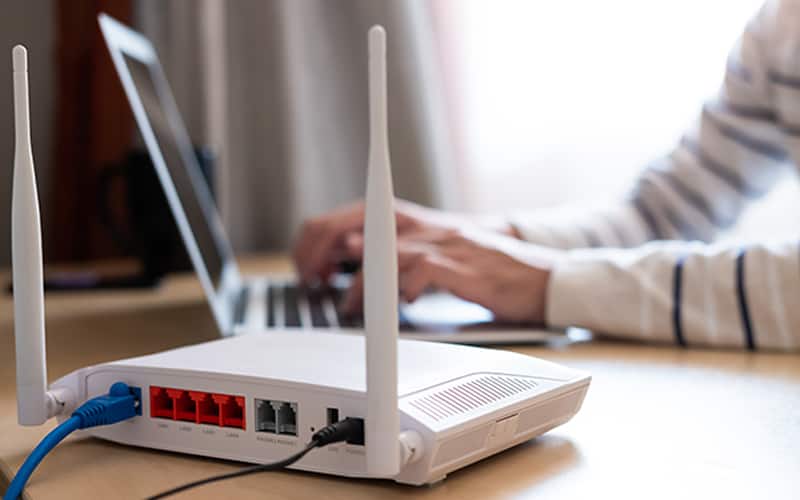
Modems vs. routers
Learn about modems vs. routers and get answers to common questions.
Explainer
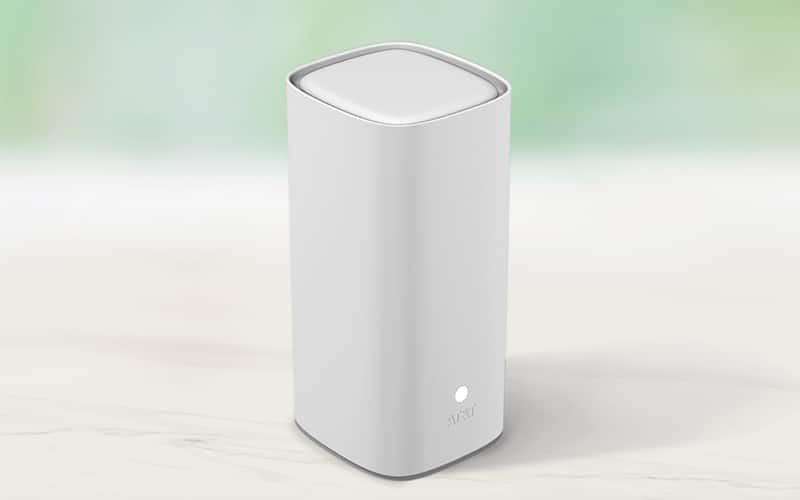
What is a Wi-Fi extender?
Learn more about Wi-Fi extenders and how they work.

Explainer
What is AT&T ActiveArmorSM ?
Learn how AT&T ActiveArmorSM brings together all of AT&T’s security expertise, resources, and assets.