Explore New Samsung Devices: Phones, Watches and Tablets
Explore everything Galaxy
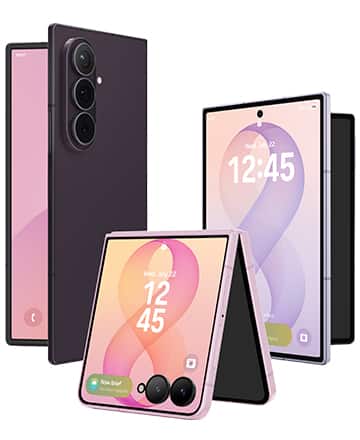
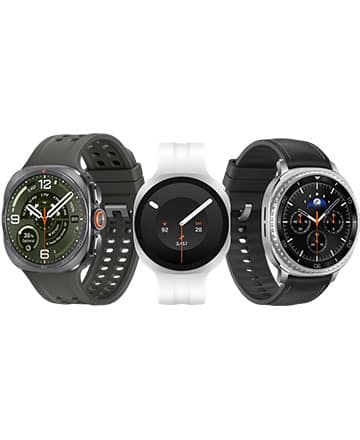
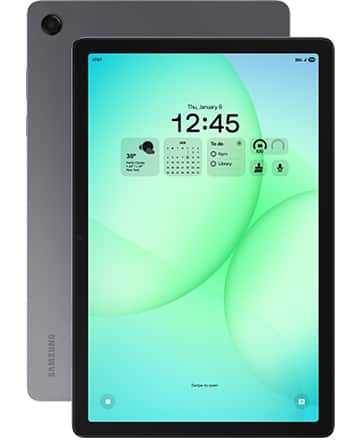
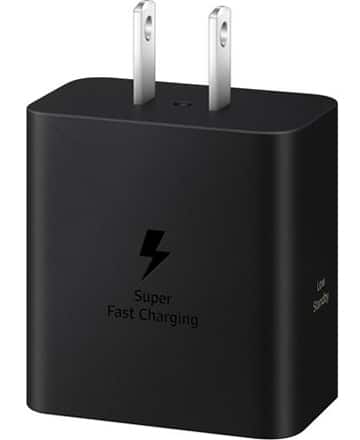
Get the new Samsung Galaxy Z Fold8 for up to $1,200 off
Galaxy foldables
Incredibly tough
Can your phone do that?
Switch to Galaxy and get powerful features that unlock a new level of convenience and creativity, with technology designed for the way you move.
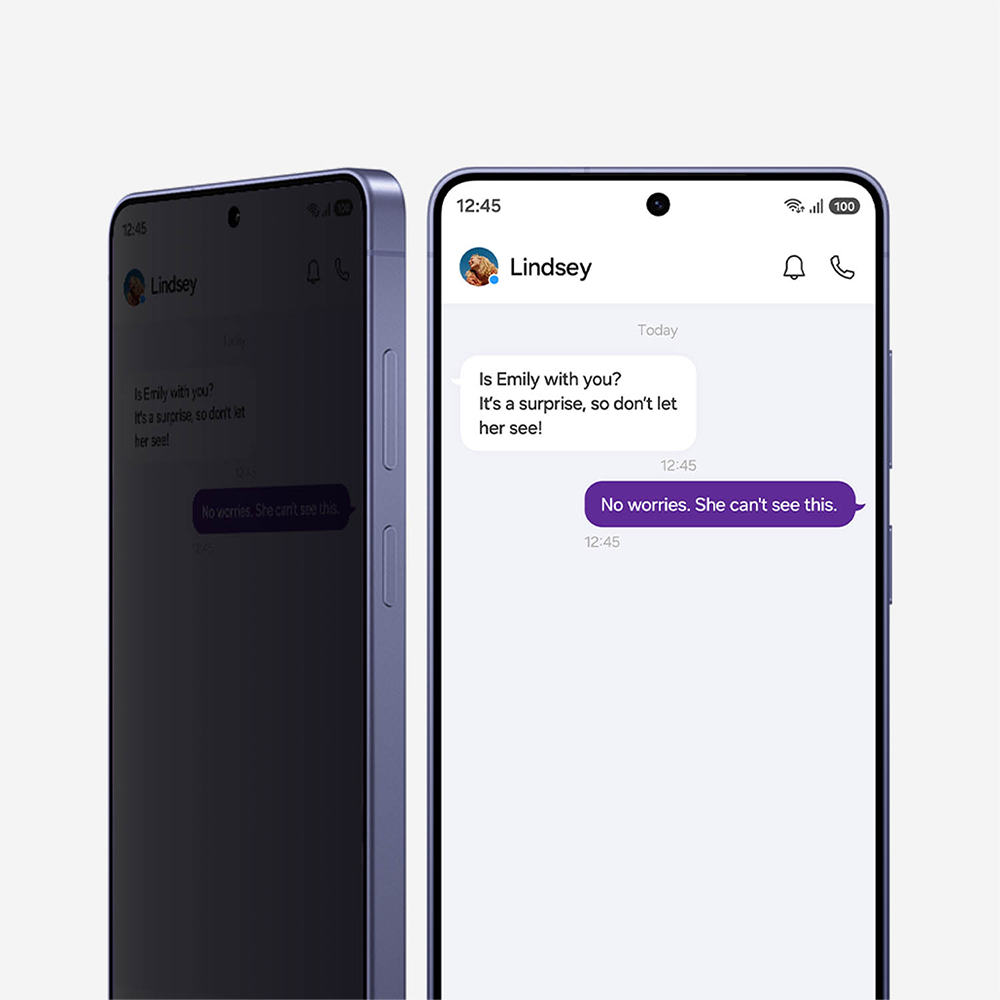
Privacy display
The first phone with privacy shielding
Galaxy S26 Ultra’s privacy display feature makes it invisible to people around you. Send messages, type passwords, and more with total confidence.1,2
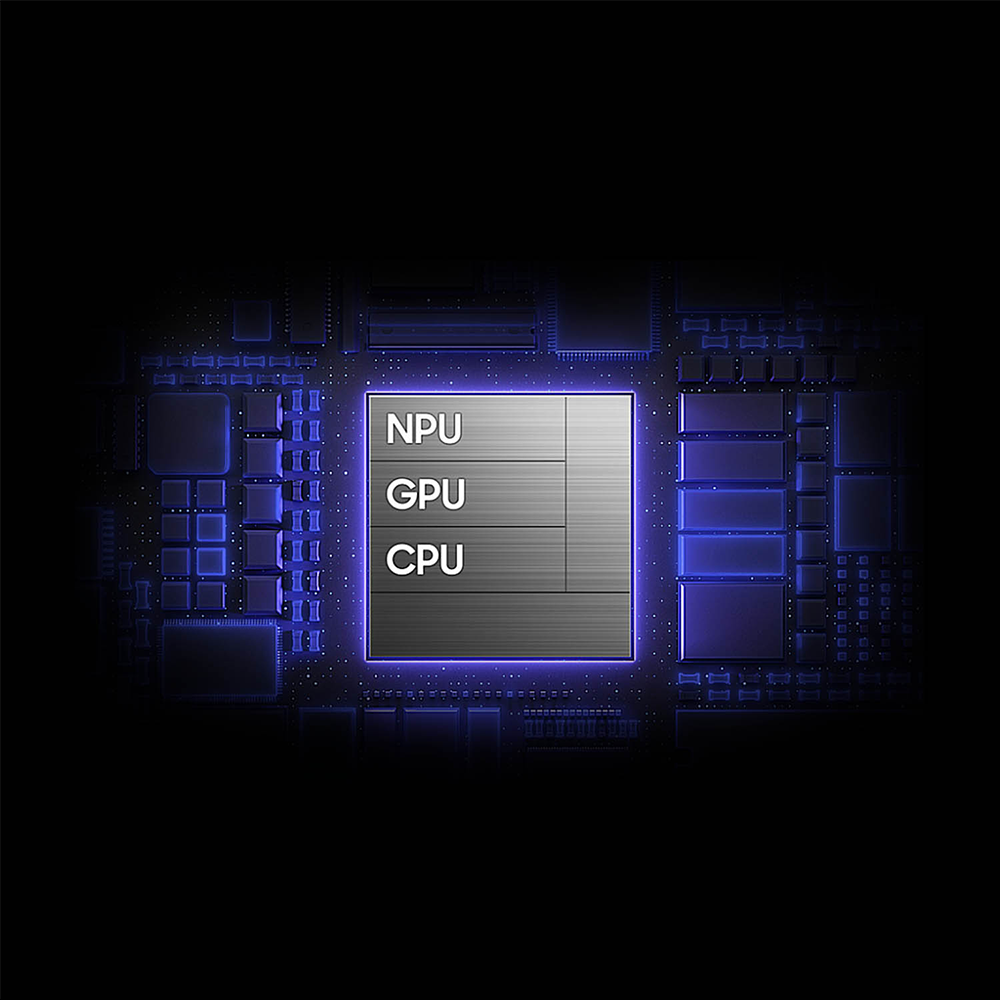
Processor
Fast. Powerful. AI-ready.
Galaxy phones deliver smooth performance, thanks to custom, optimized processors.3
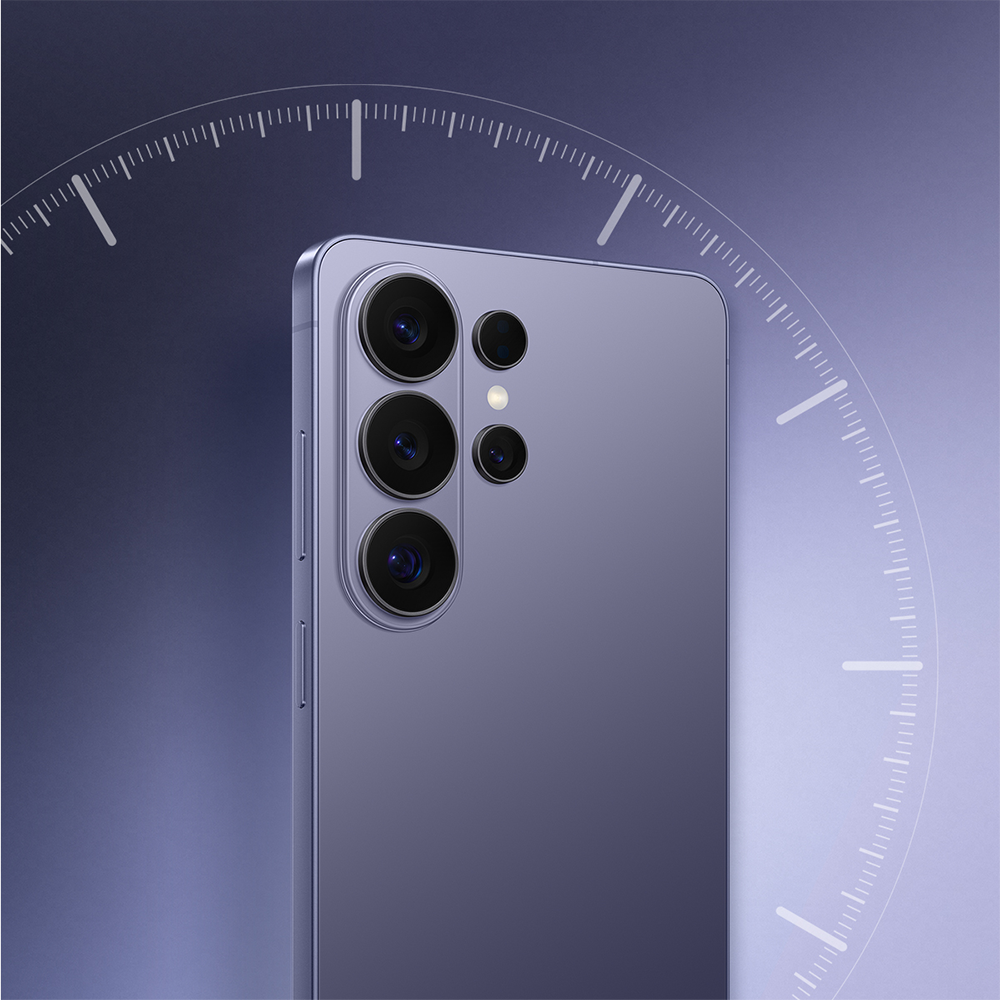
Battery
A battery that lasts all day
Stream, film, and stay up-to-date while you’re out with a long battery life that keeps up.4,5,6

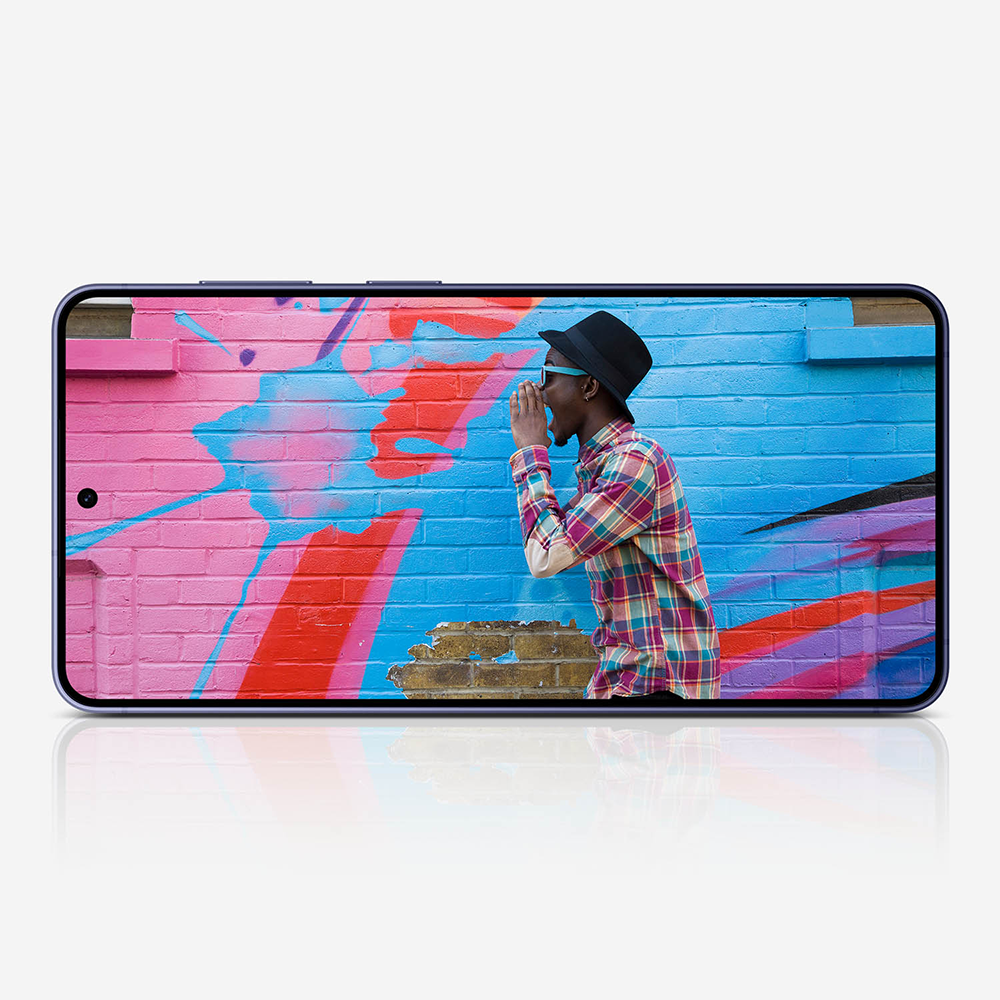
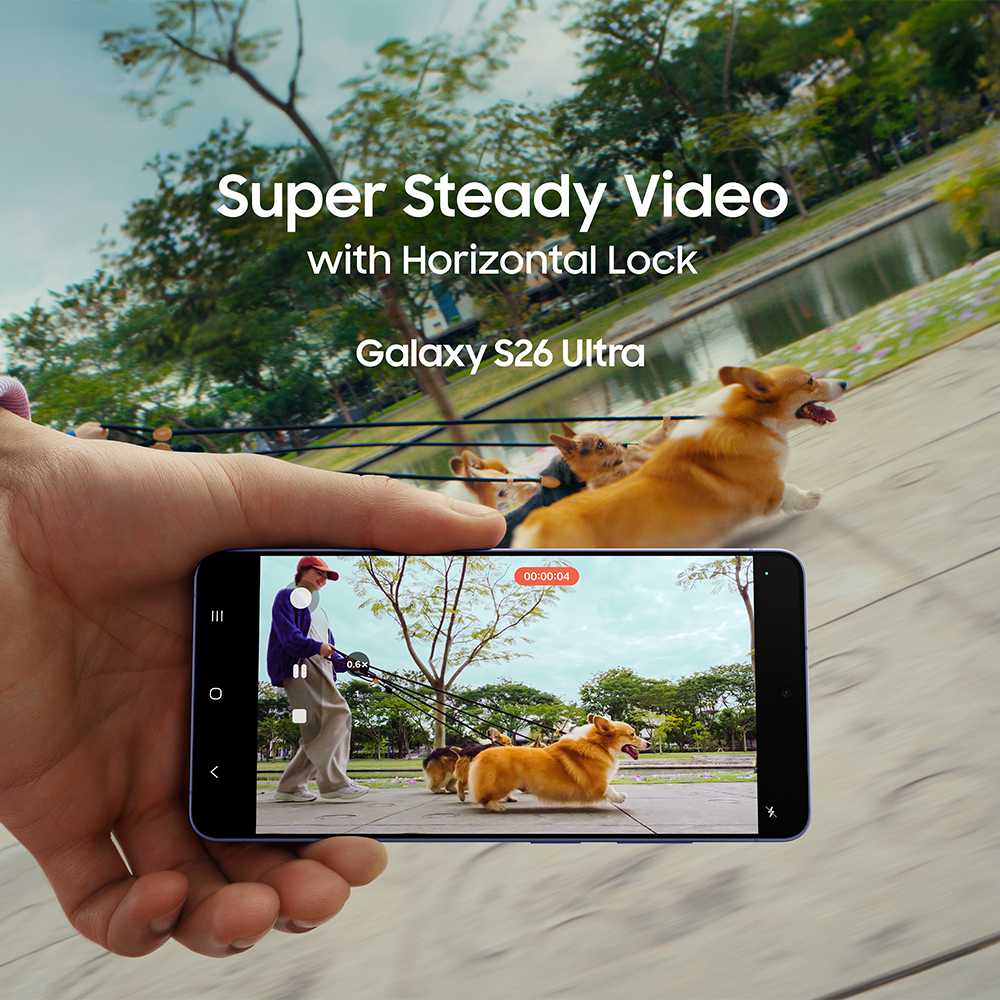
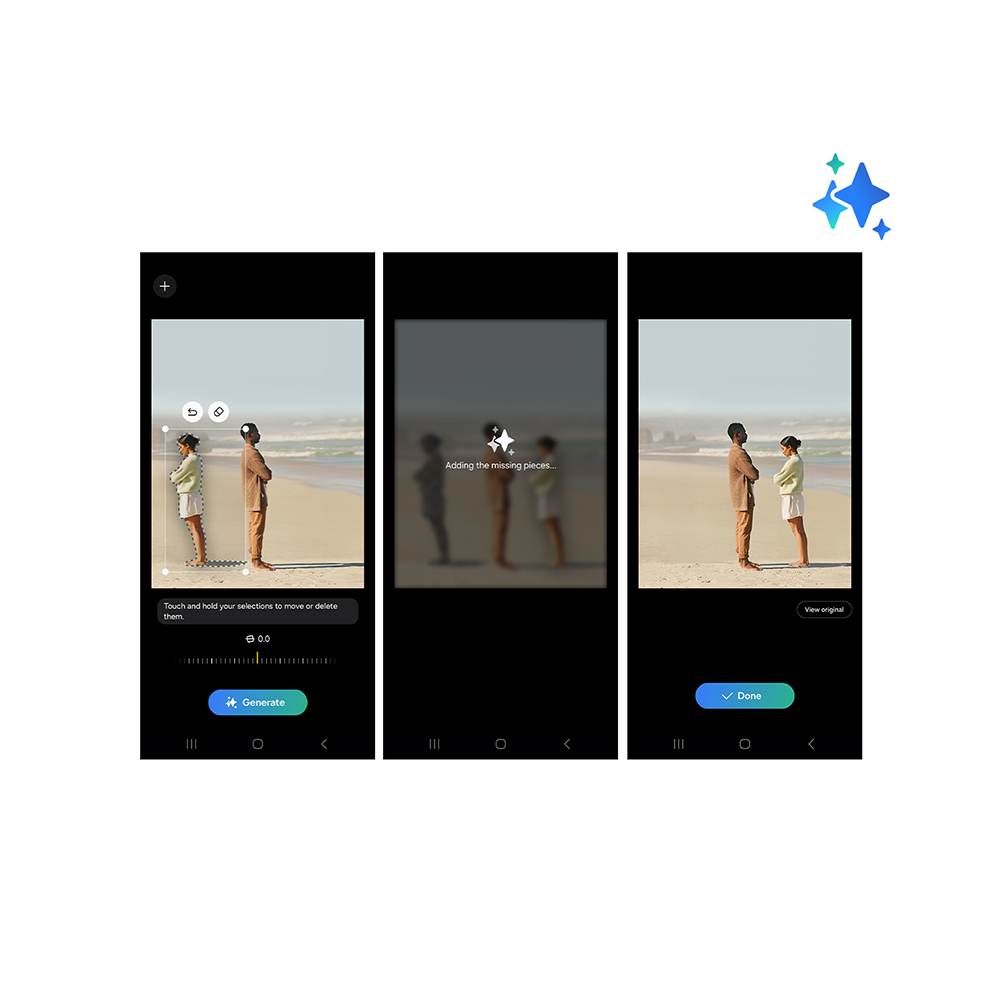
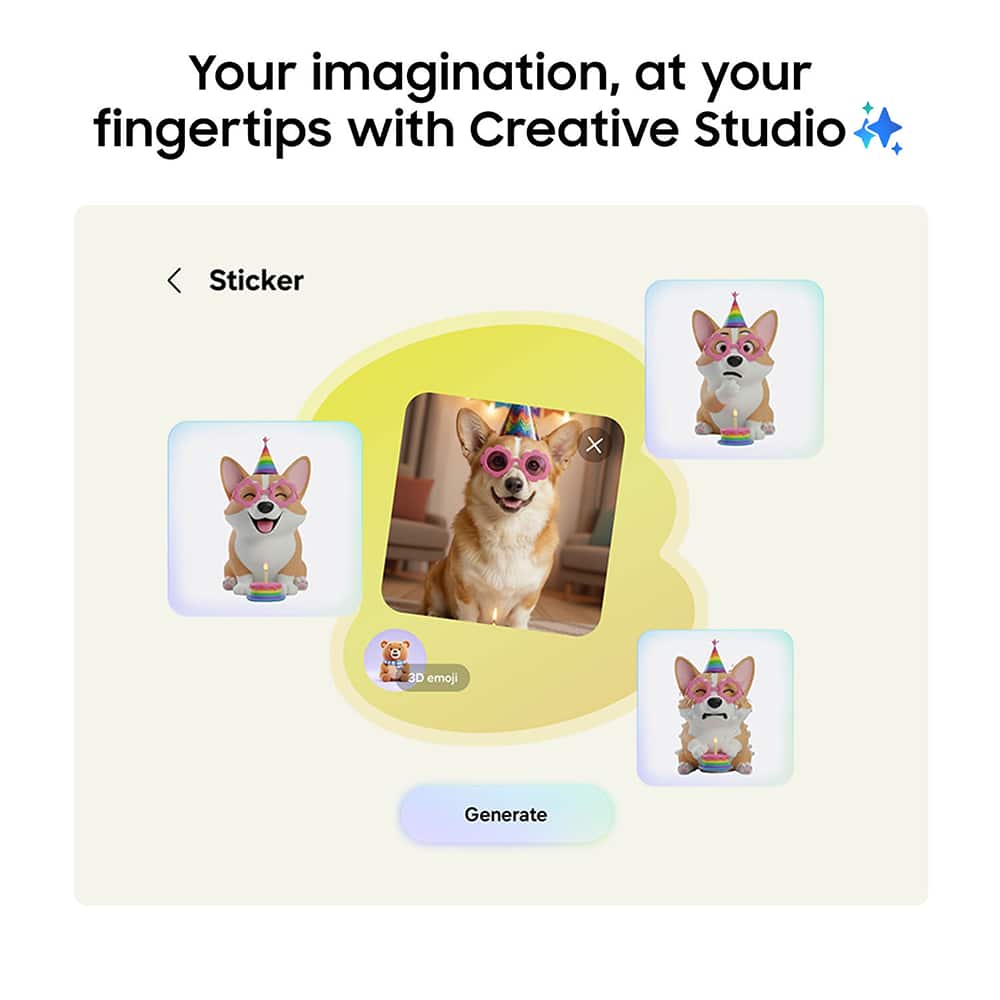
There’s a Galaxy for everyone
All your excuses, busted
Seamlessly transfer everything from your old phone to your new, intuitive Samsung device.
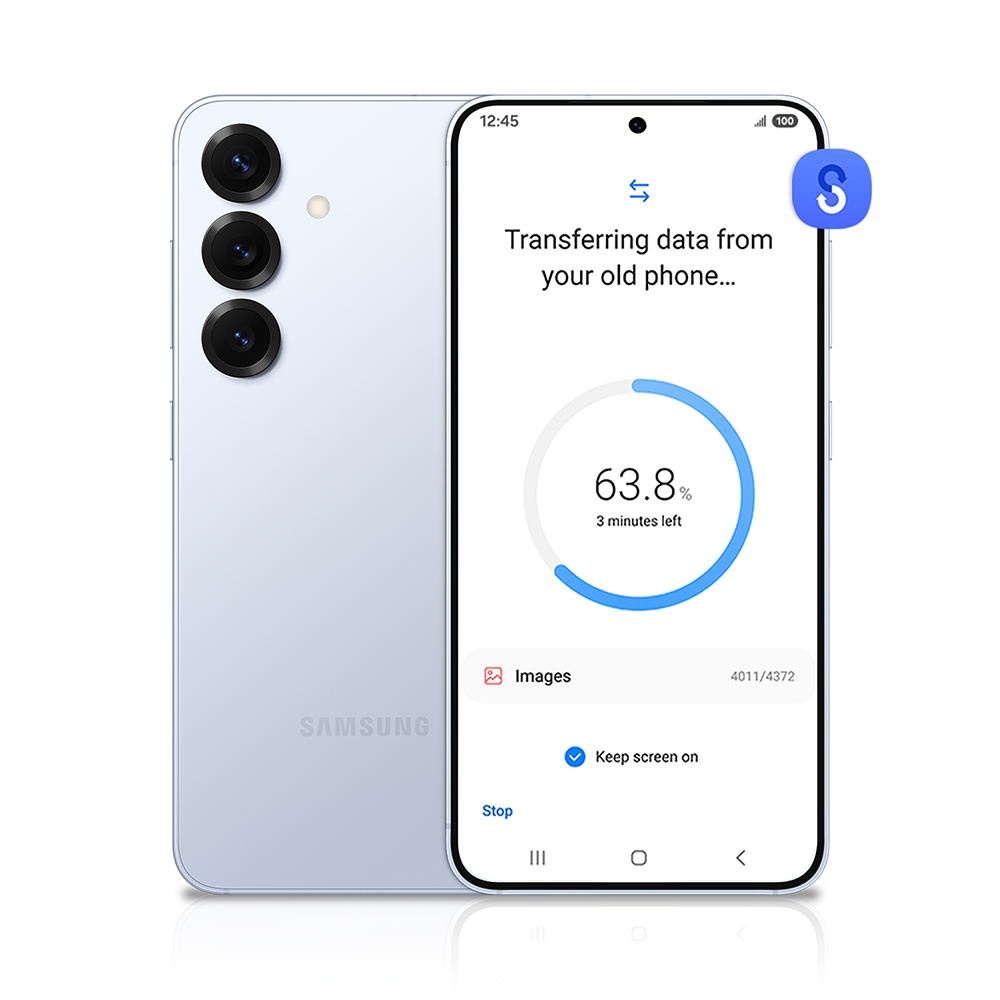
All your stuff. Already there.
Smart Switch makes phone transfers simple. All your photos, videos, contacts, calendars and alarms come with you to your new Galaxy phone.
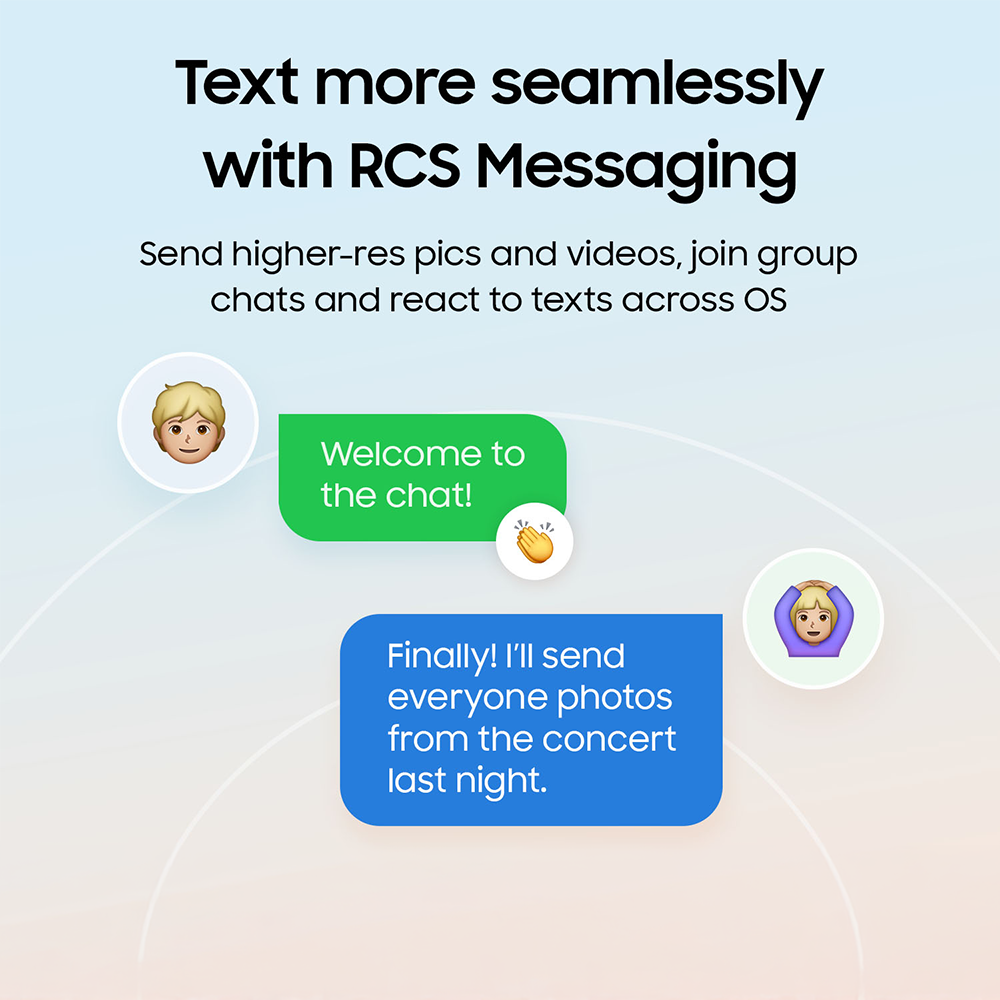
Seamless texting
With RCS (Rich Communication Services), it’s easier to stay connected. Share clear, high-res photos and videos, see when messages are delivered or read, and keep conversations flowing with all the emojis.
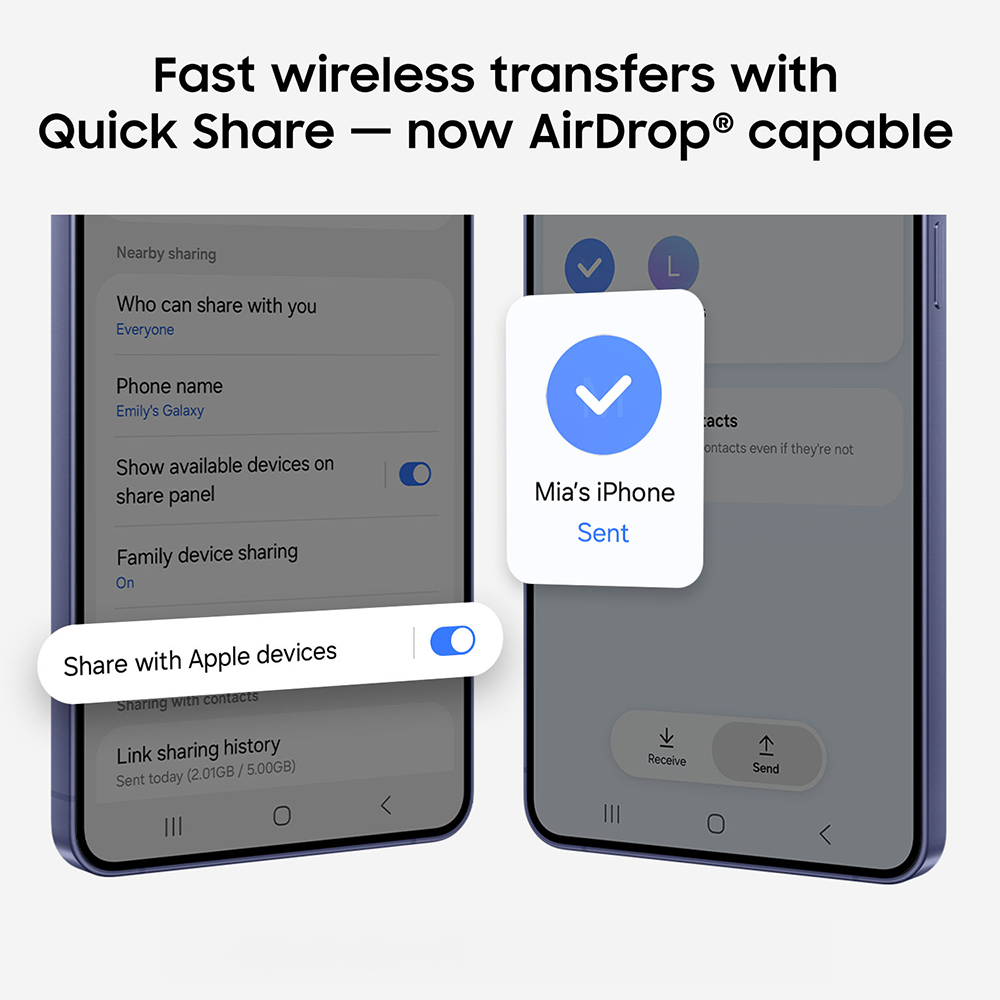
Quick Share. Now AirDrop® compatible.
Share content with ease. Quick Share lets you seamlessly send and receive photos, videos, and files between devices.13
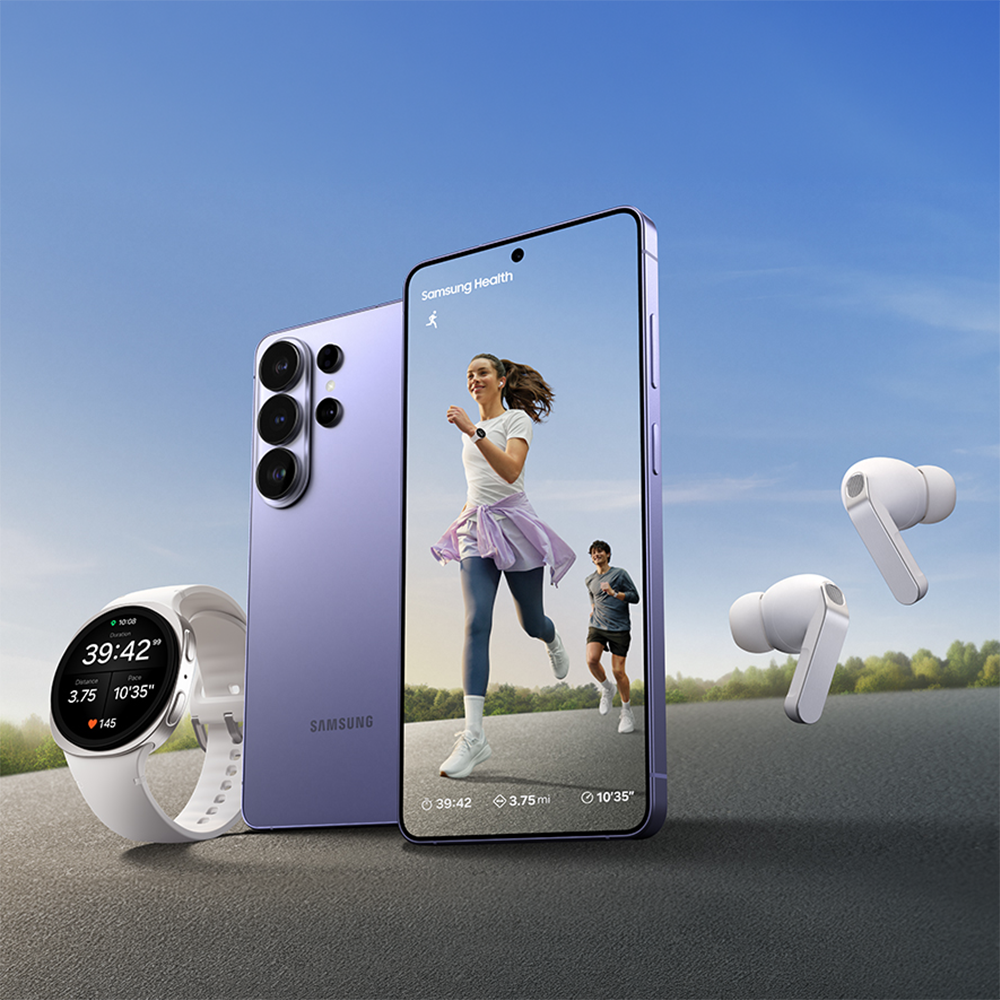
The Galaxy ecosystem
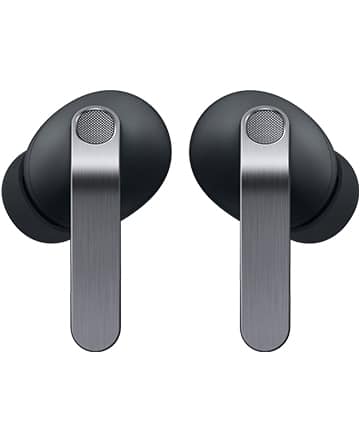
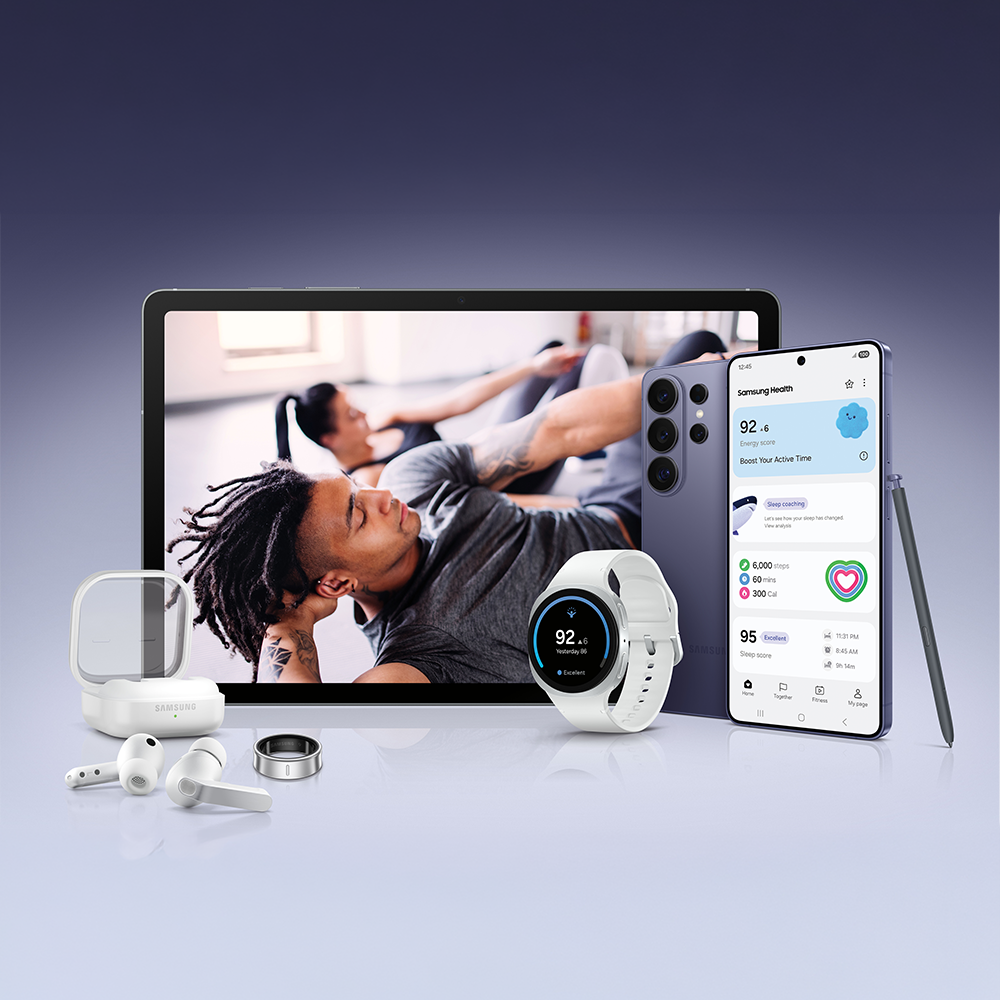
Seamless connectivity and powerful features for your everyday life. Listen with Galaxy Buds or track your health with Galaxy Watch, all with a smooth, uninterrupted flow.
Try Galaxy on your phone
Scan the QR code to see all the latest Galaxy features on a simulated home screen on your phone, no matter the brand.
1Quick Share feature between Galaxy devices available with the following OS: smartphones and tablets with Android OS version 10.0 (Q) and One UI 2.1 or above, Galaxy Books released in 2020 or later. Requires Samsung Account and Wi-Fi and Bluetooth connection. To share with Apple devices, a Galaxy device with Quick Share app version 13.8.51.27 or later and Google Play services version 26.11.xx or later is required. As of March 2026, “Share with Apple devices” is supported only on Galaxy S26 Series and will be expanded to select flagship models in the future.
2Privacy Display feature controls the screen’s viewing angle to limit peripheral vision and can be activated in Settings. Activation for specific apps also available in Settings. PIN, password or Pattern entry activation only available from Settings, Lock Screen or Secure Folder. Some changes in image quality may occur outside the viewing angle. Some information may still be visible to others depending on the viewing environment, such as angle or brightness. Caution is advised when exposing sensitive information.
3Limited to Samsung smartphones. Actual performance will depend on user environment, conditions and pre-installed software and applications.
4Typical value tested under third-party laboratory condition. Typical value is the estimated average value considering the deviation in battery capacity among the battery samples tested under IEC 61960 standard. Rated capacity is 4175 mAh for Galaxy S26, 4755 mAh for Galaxy S26+ and 4855 mAh for Galaxy S26 Ultra.
5Actual battery life varies by network environment, features and apps used, frequency of calls and messages, the number of times charged, and many other factors. Estimated against the average usage profile compiled by UX Connect Research. Independently assessed by UX Connect Research between 2025.06.12-2025.06.20 in US with pre-release versions of SM-F966 under default setting using LTE and 5G Sub6 networks. NOT tested under 5G mmWave Network.
6Typical value tested under third-party laboratory condition. Typical value is the estimated average value considering the deviation in battery capacity among the battery samples tested under IEC 61960 standard. Rated capacity is 4272 mAh for Galaxy Z Fold7.
7Results may vary depending on light condition and/or shooting conditions including multiple subjects, being out of focus or moving subjects.
8Photo Assist may require a network connection and Samsung Account login. Service availability may vary by country, language or device model. Photo Assist may result in a resized photo. A visible watermark is overlaid on the image output upon saving in order to indicate that the image is generated by AI. The accuracy and reliability of the generated output is not guaranteed.
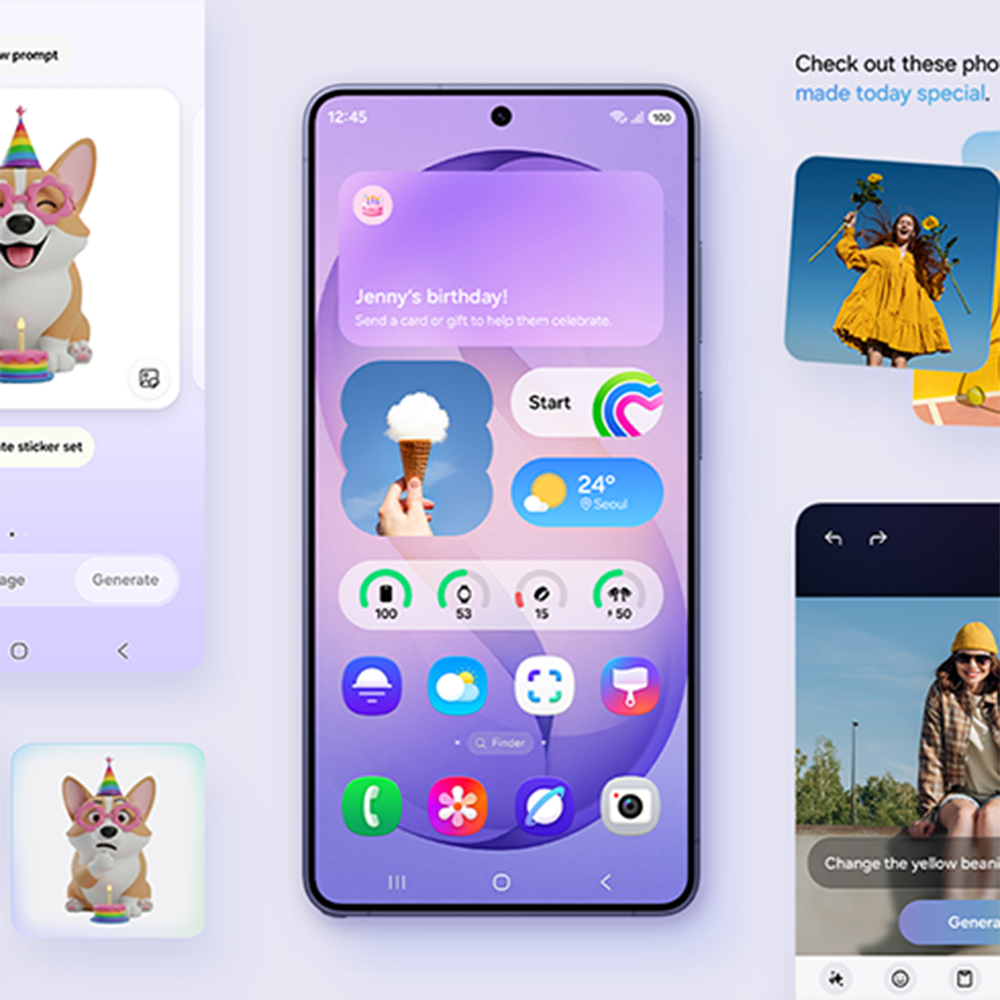
9Creative Studio feature requires a network connection and Samsung Account login. Service availability may vary by country, language or device model. The accuracy and reliability of the generated output is not guaranteed. Sticker sets only compatible with Samsung keyboard and can only be shared via Quick Share feature with other Galaxy devices that have One UI 5.0 or later installed and Quick Share app version 13.8.50.x or later.
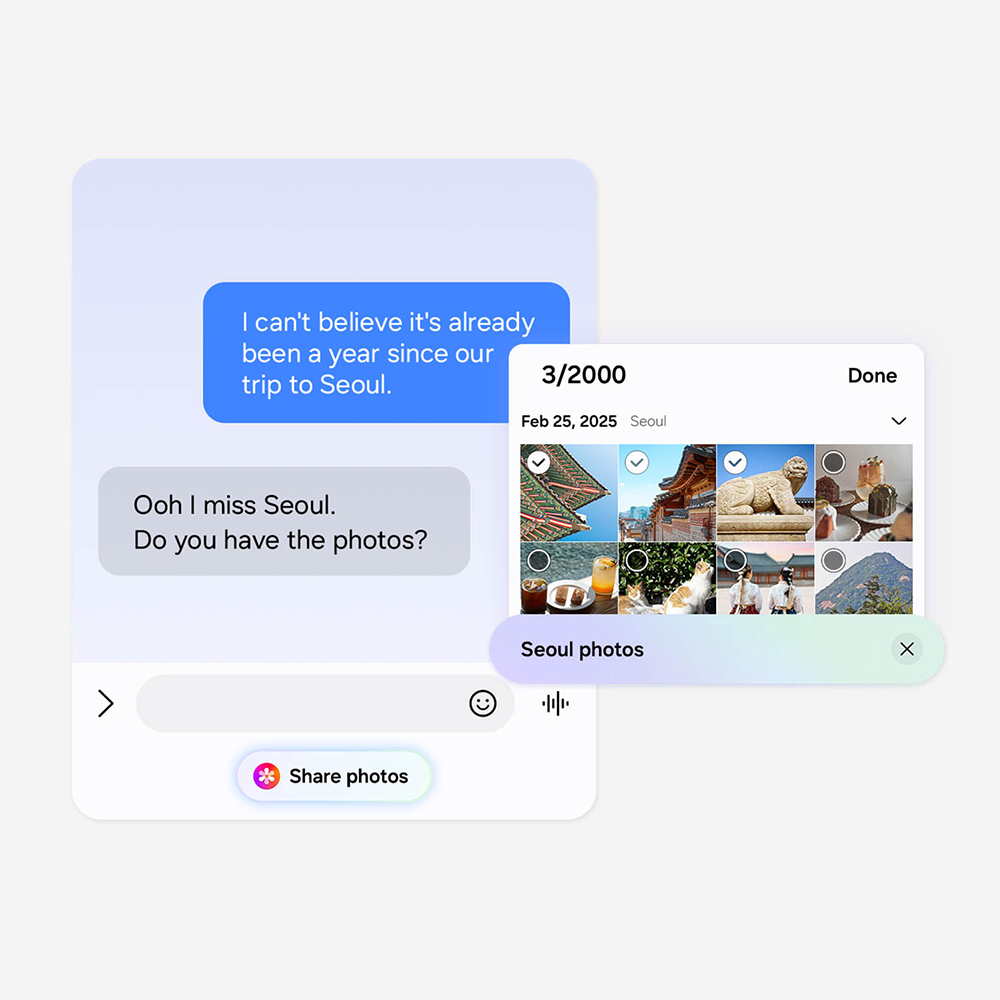
10Now Nudge feature requires a Samsung Account login. Available functions and features may vary by country, region and language. Text message prompts available with certain third party messaging apps including Samsung Messages, Google Messages, Google Chat, WhatsApp, WhatsApp Business, KakaoTalk, LINE, Signal, Instagram (DM), Tango, NTT Docomo Messages, KDDI Messages. Share photos in Now Nudge works by analyzing available image content. Accuracy of results is not guaranteed.
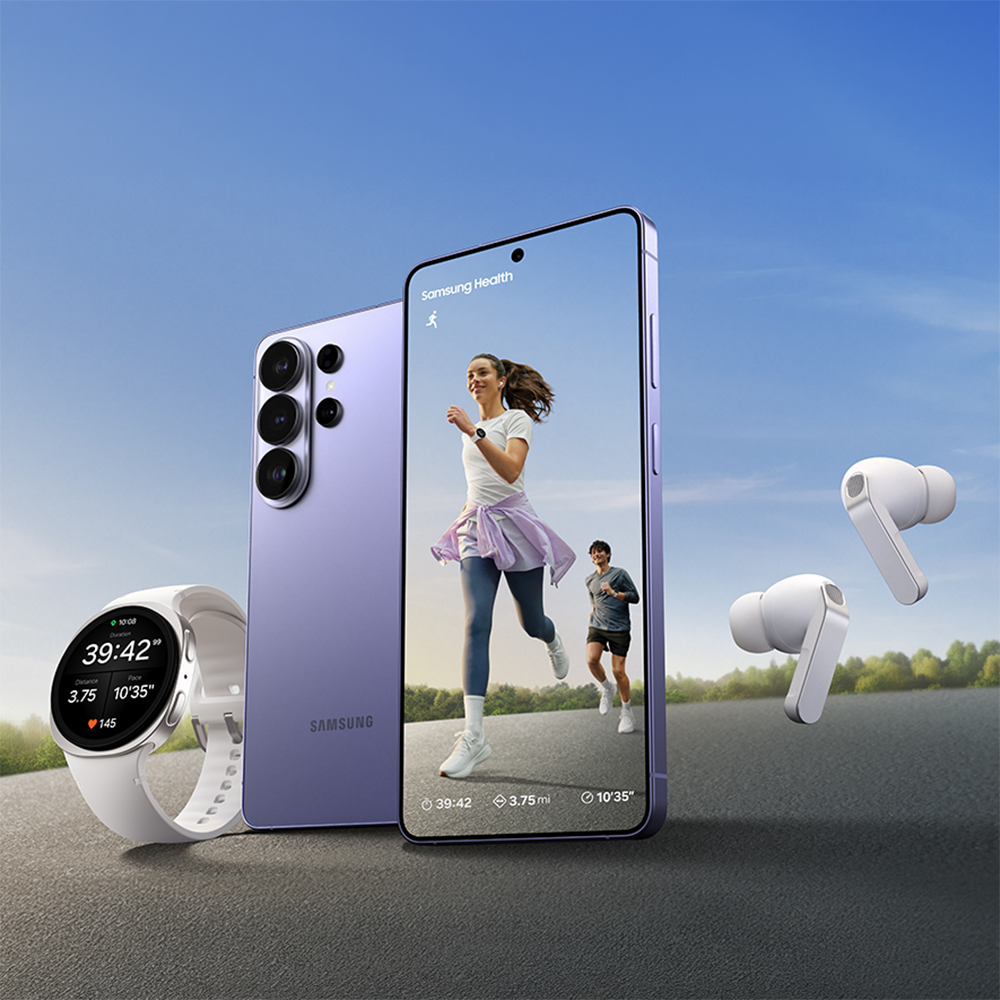
11Image simulated. Actual UX/UI may differ. Availability of colors, sizes, models, and watch bands may vary by country or carrier. Products sold separately. Contains an Al-generated background image with edits. Running Coach program is available on Android phones (Android 10 or above) and requires the Samsung Health app (v6.30.2 or above). Samsung account login required. Service only available with Galaxy Watch Ultra, Galaxy Watch7 series or later released Galaxy Watch series. To use Running Coach program, user needs to take a running level test and get a level before starting the coach program.
12Galaxy devices each sold separately.
13Availability subject to change. Capability supported only by Google. Capable devices required. Must be within Bluetooth distance. AirDrop® is a registered trademark of Apple Inc.